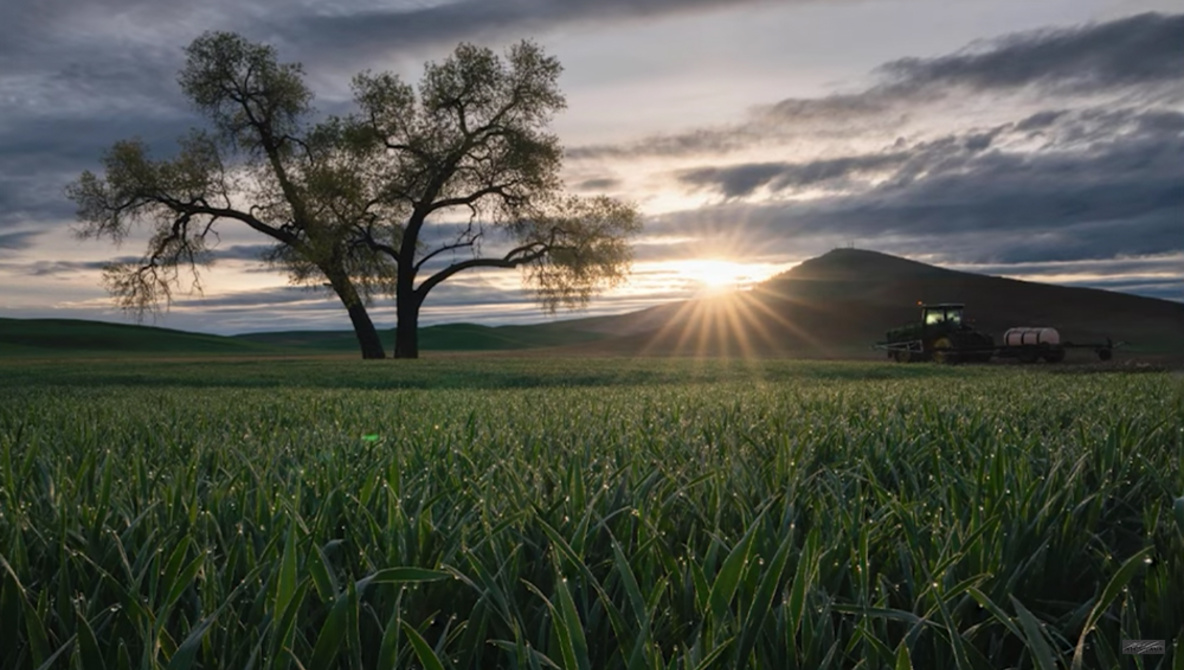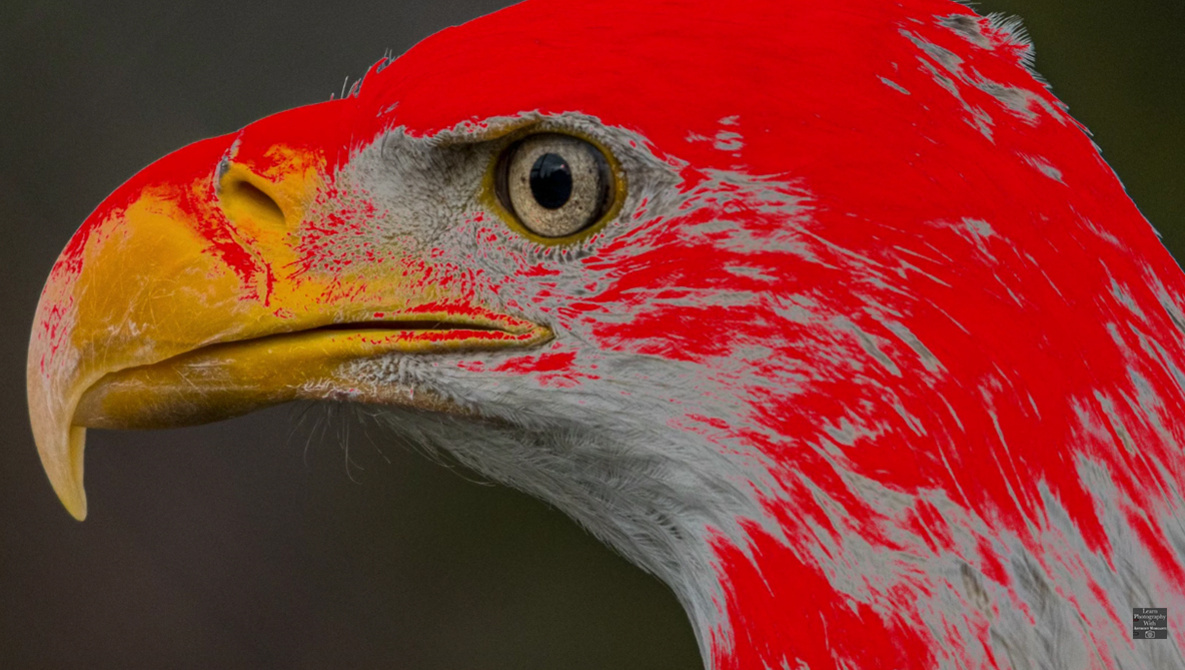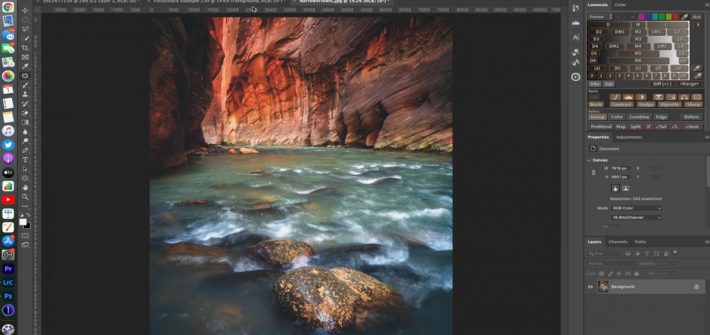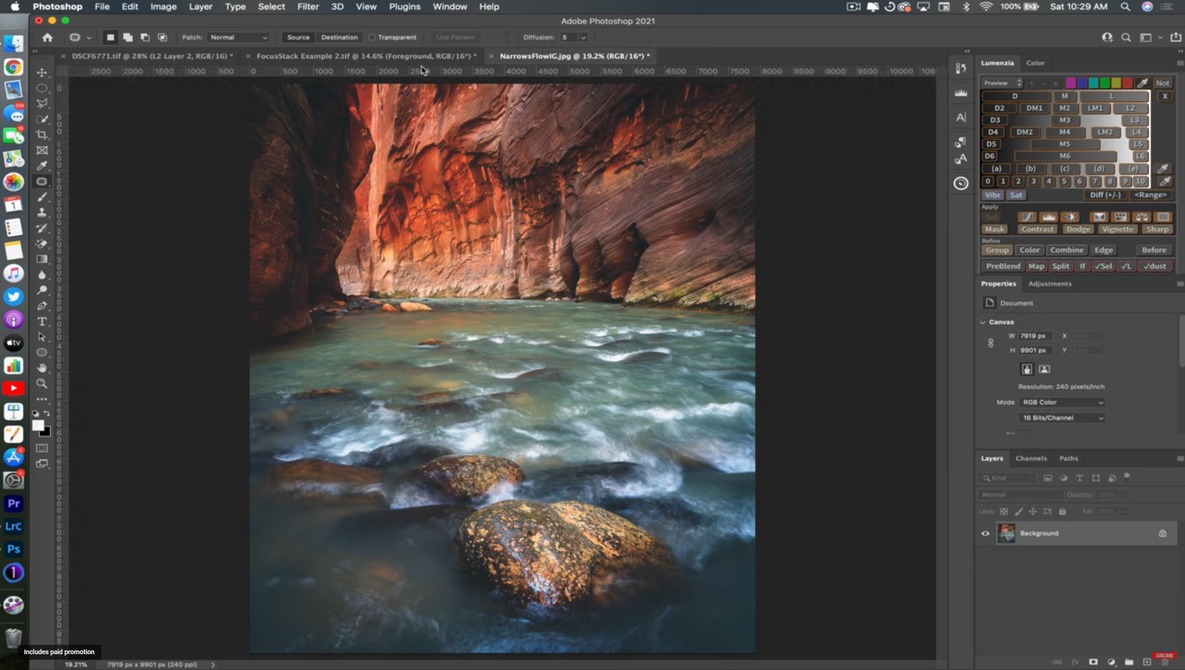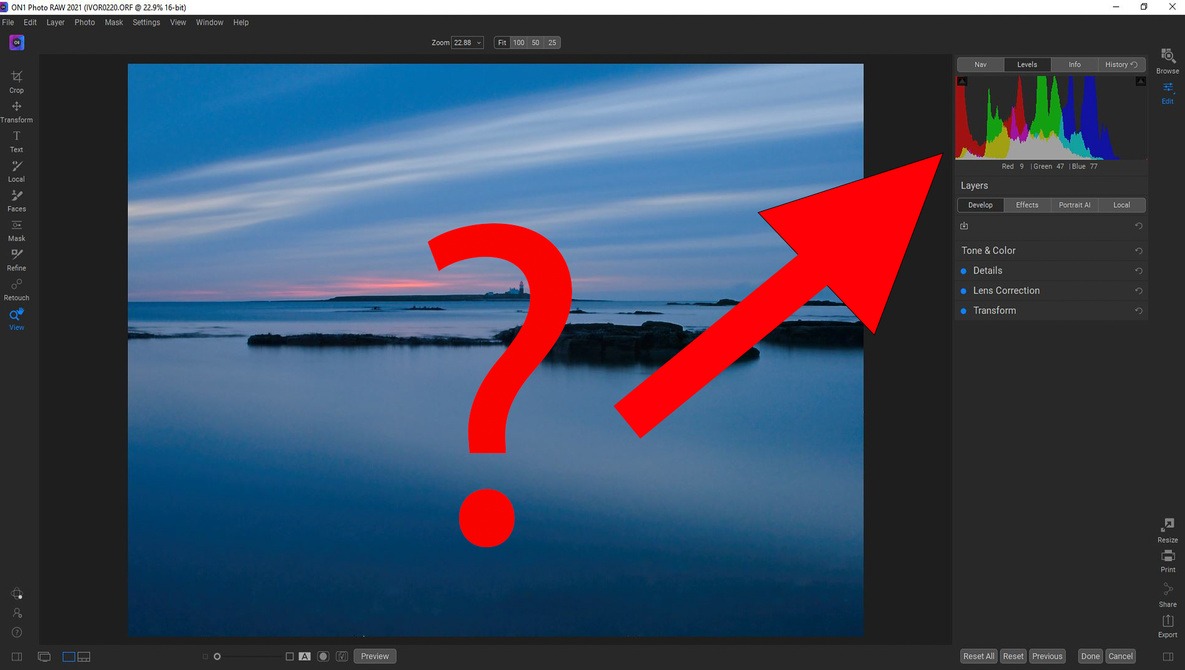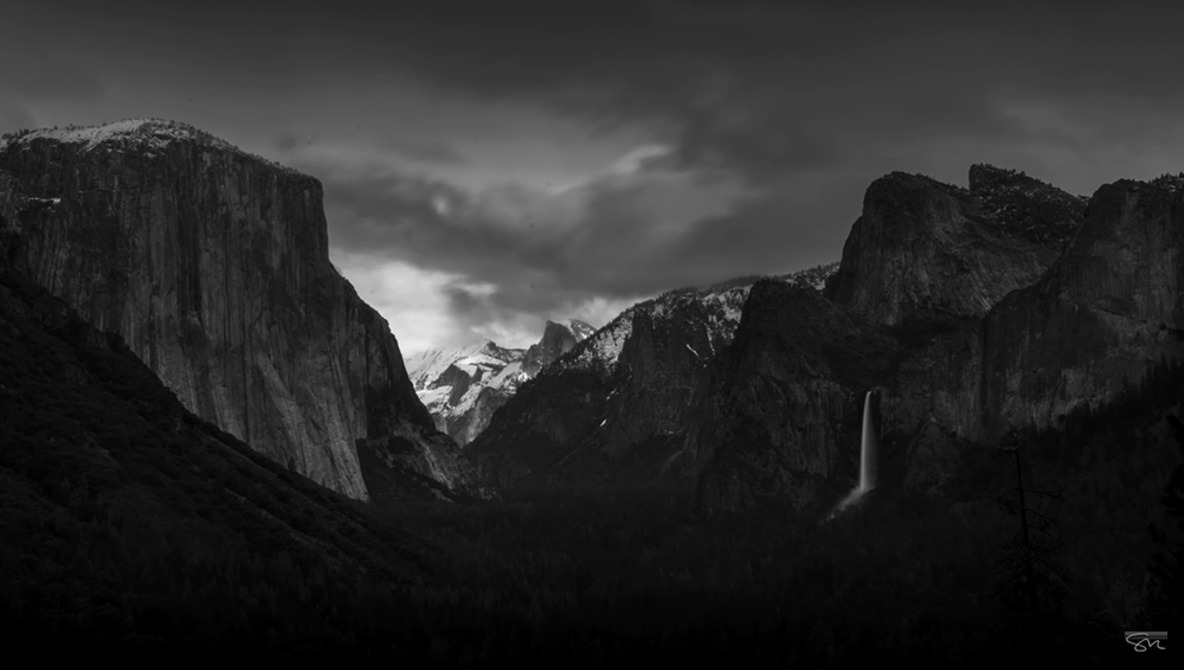
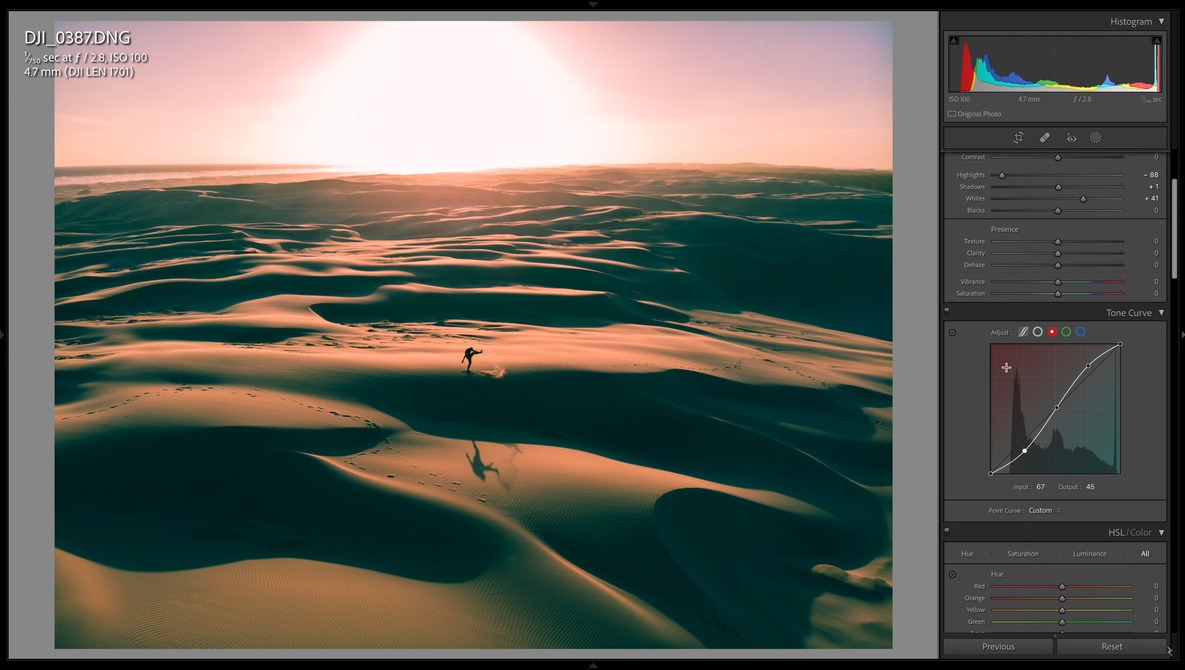
Adobe photo editing software has been around for so long and seen so many iterations that its depth is almost unknowable. Even some of the fundamental tools have nuance and required skill to get the most out of them, and the Tone Curve is one of them.
tools
The First Tools New Photographers Should Learn in Photoshop
Photoshop is quite the behemoth application, and if you are new to working with it, it can be a bit overwhelming knowing where to start. If you are new to working with Photoshop and wondering how to get started, check out this fantastic video tutorial that will show you the first tools you should learn and how to use them to work on your photos.
A Complete Guide to Masking in Lightroom
In the past few updates to the program, Lightroom’s masking features have expanded substantially both in precision and capabilities, and if you have not integrated the new panel into your post-processing yet, you are missing the opportunity to vastly improve your workflow. This fantastic video tutorial will show you everything you to know to take full command of Lightroom’s masking tools.
A More Refined Approach to Choose the Right Aperture in Landscape Photography
Aperture is one of the most fundamental and powerful tools you have at your disposal for controlling the look of your images. As such, understanding and mastering every property of it and consequence it has on your photos is crucial. This excellent video tutorial features an experienced landscape photographer giving a nuanced approach for choosing the right aperture for your images.
Creating Time-Lapse Videos With Just Lightroom and Photoshop
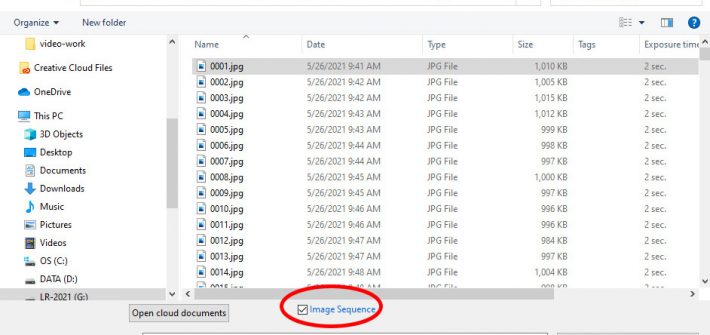
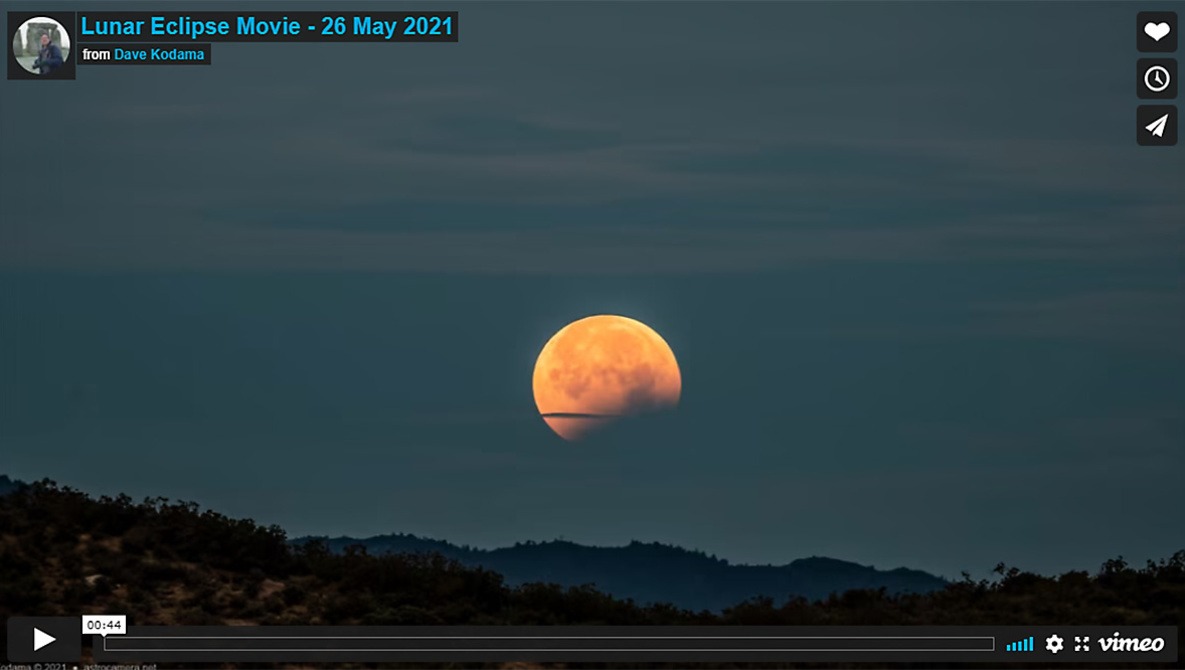
Lightroom and Photoshop are generally considered to be tools for standard (still) photography, but simple video tasks can be handled entirely within your photographer’s Lightroom and Photoshop subscription package (no need for Adobe Premiere Pro), and without any third-party add-on tools. In particular, the pair of programs handles time-lapse videos quite nicely.
The Power of Luminosity Masks in Lightroom
One of the most useful tools for taking greater control of your edits is the luminosity mask, and it can also save you a ton of time. If you have not seen them in action before or are not sure how they are used, check out this great video tutorial that will show you why so many photographers love them.