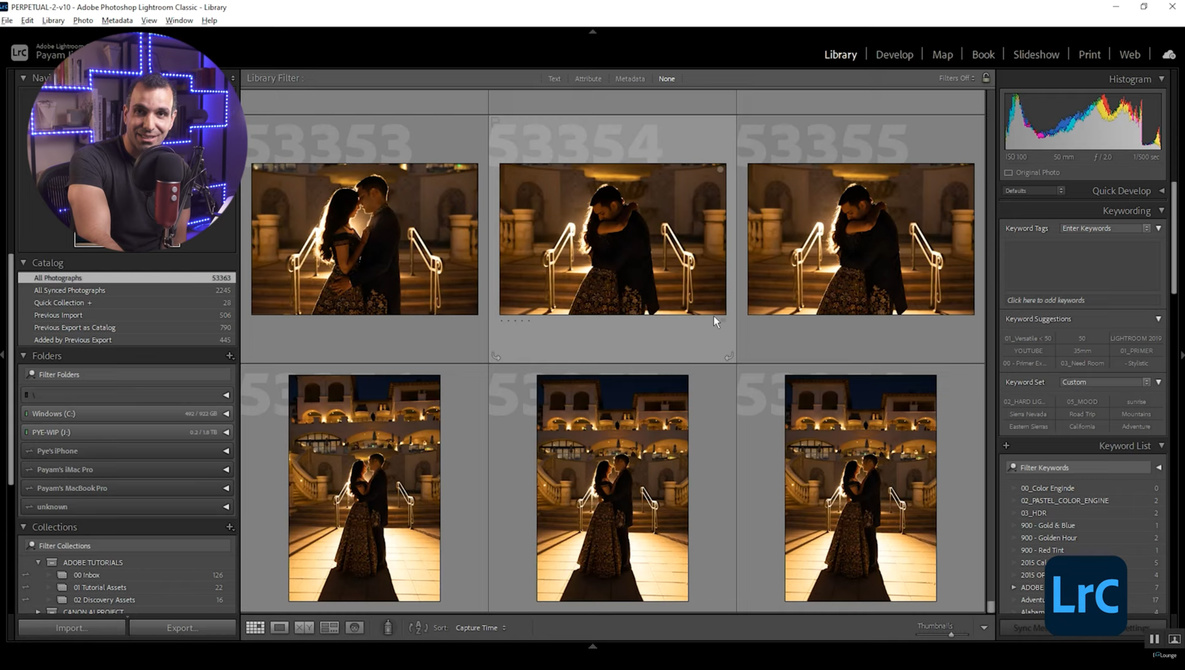
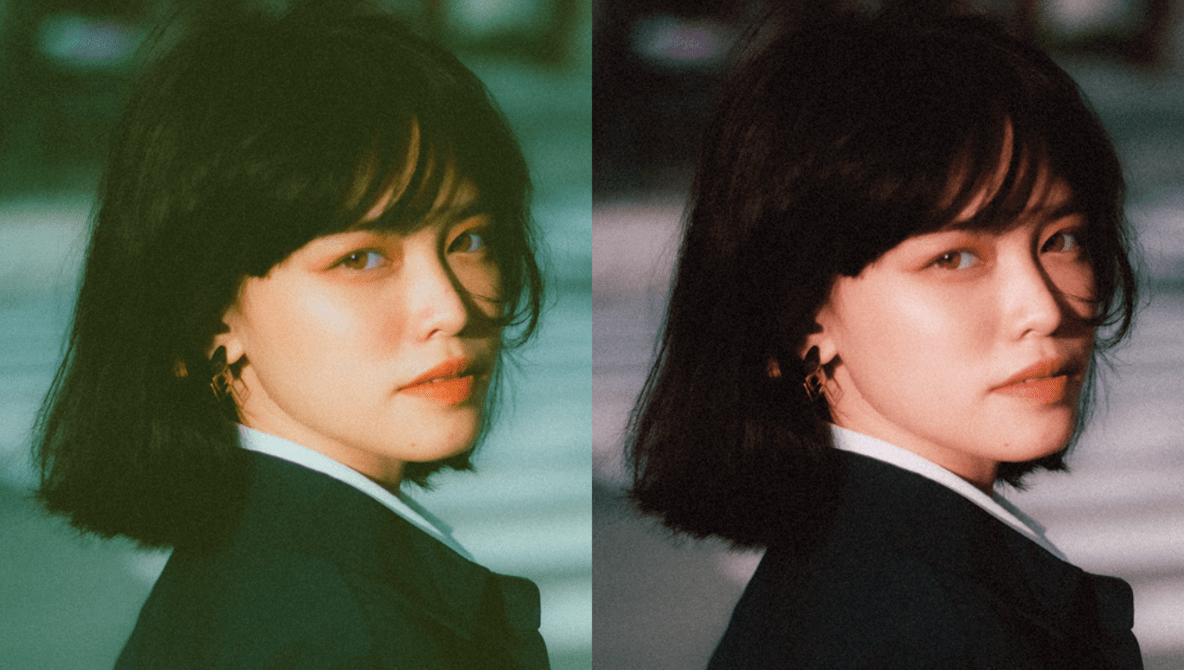
The Curves adjustment panel is probably one of Adobe Photoshop’s most frequently used tools, right alongside Levels. But did you know that there is a tried and tested way to quickly get perfectly color-corrected images every single time? Knowing this basic technique will save you hours of time and effort when learning how to color correct your images in Photoshop.
tools
Are Vintage Digital Cameras the Biggest New Photography Trend?
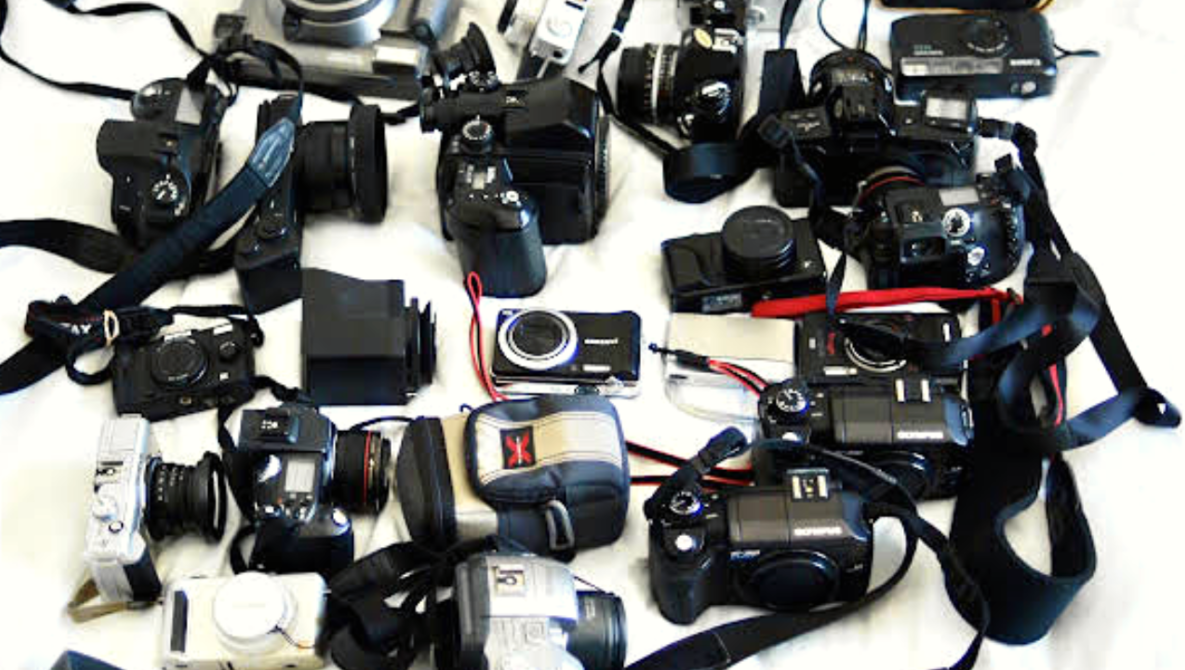
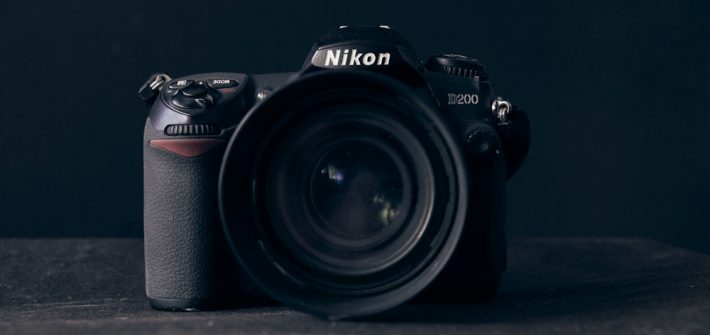
Digital camera technology has reached a point where even our phones can produce images that can be mistaken for a “real camera” to the untrained eye. Photographers have never had more affordable access to image-making tools that can produce crisp, high-resolution images, rivaling those of professional gear from not very long ago. So, why then have objectively inferior vintage digital cameras been making a sudden comeback?
A Look at the New iPad 10 and iPad Pro M2 Tablets
iPads have evolved from fun content consumption devices to seriously powerful creative tools, and they are fantastic options for a wide variety of photo and video work. The latest generations of the standard and Pro models are here, and they bring with them a wide variety of new and improved features. This excellent video review takes a look at both the new models and the sort of performance and experience you can expect from it in practice.
A Beginner’s Guide to Luminosity Masks in Photoshop
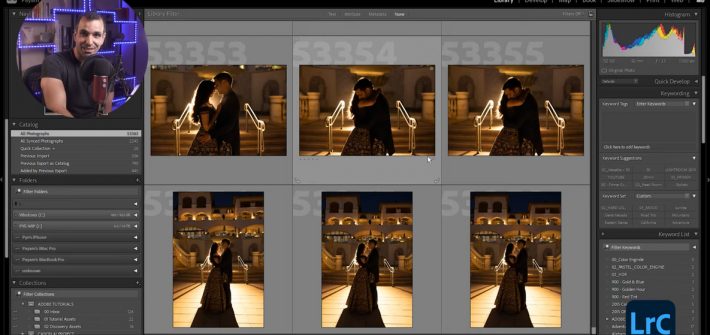
When it comes to post-processing, one of the most useful tools at your disposal is the luminosity mask, which can help you create more precise and efficient edits. If you have not tried luminosity masks if your work before, check out this fantastic video tutorial that will show you the ins and outs of creating and using them.
How to Use a Wide Angle Lens for Landscape Photography
When it comes to landscape photography, wide angle lenses are the most frequently chosen tools, but they can be particularly challenging to work with. If you are new to landscape photography and wondering how to best handle a wide angle lens, check out this fantastic video tutorial that features an experienced landscape photographer sharing useful tips and techniques and a lot of examples images sure to help you improve your photos.
A New Astrophotography Plug-in and Some Thoughts on Topaz Plugins for Astro Work
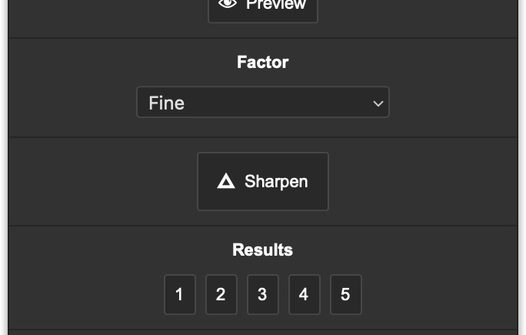
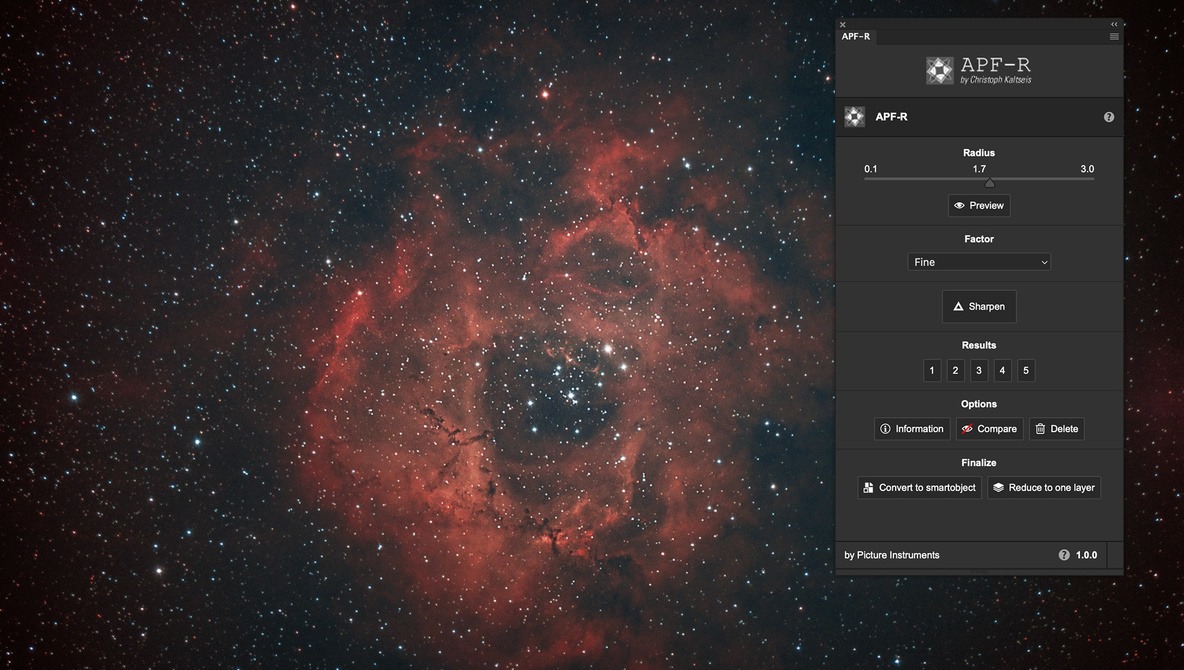
For astrophotographers who use Photoshop, here’s some interesting and some good news. A just-released plug-in called APF-R (Absolute Point of Focus) can do wonders for your images. Astrophotographer Christoph Kaltseis has developed APF-R in order to achieve high-resolution, ultra-sharp images that still look natural. As astro-imagers know, trying to sharpen point sources like stars can result in ugly halos and other unwanted artifacts.