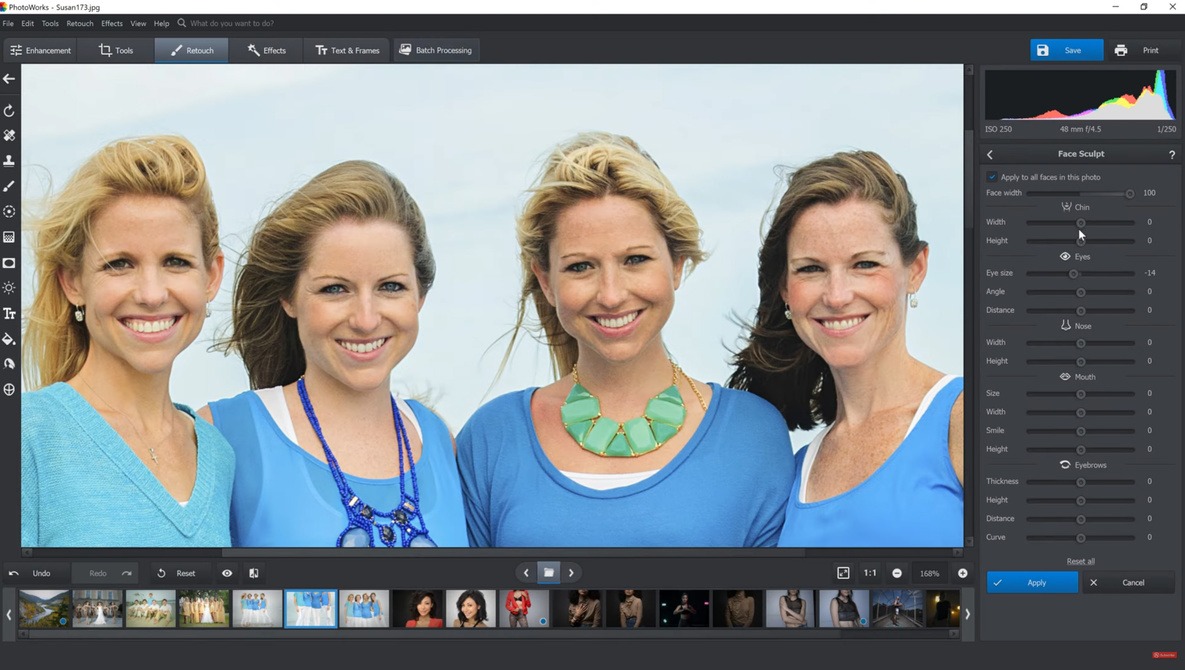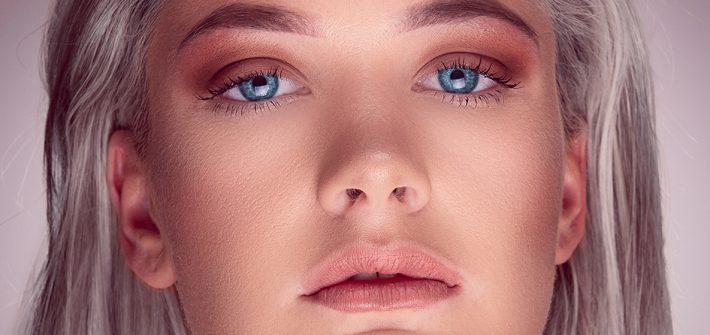
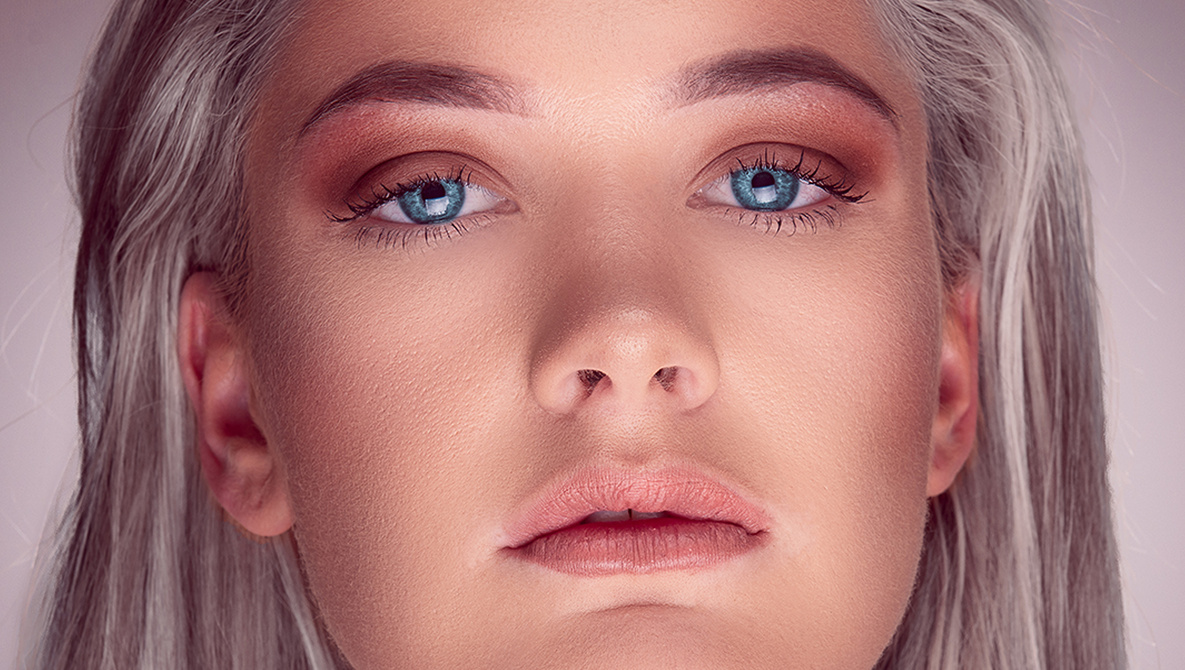
Skin retouching takes time, so any plugin that can help speed up the process is a bonus. Infinite Skin is a Photoshop plugin from the Infinite Tools range and is probably the quickest skin-retouching plugin I’ve ever used, producing great results in next to no time.

tools
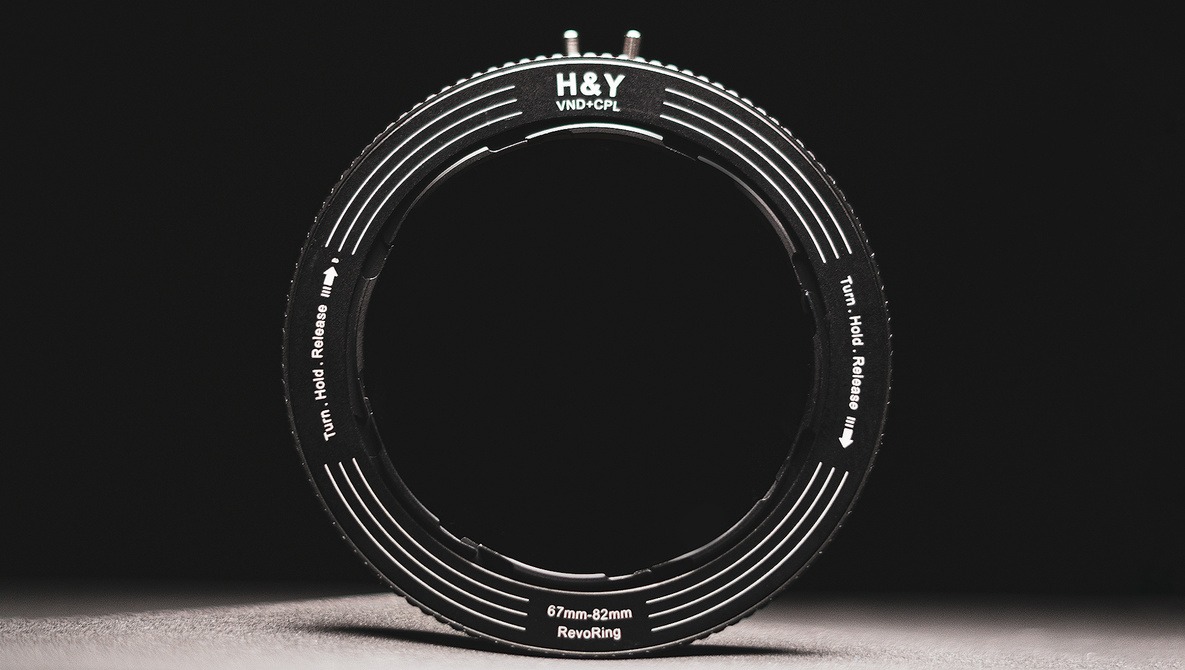
We Review the H&Y Revoring: A Look at Its Design, Practical Applications, and Limitations
What exactly can the H&Y Revoring do and how does it work? This unique type of filter from H&Y has definitely turned a lot of heads due to its unique design and how it solves a problem that generations of photographers (who use filters) have had for a while. In this review let’s check out how the H&Y Revoring works, what are its limitations, and what instances is it useful in.
How to Remove Difficult Objects in Photoshop
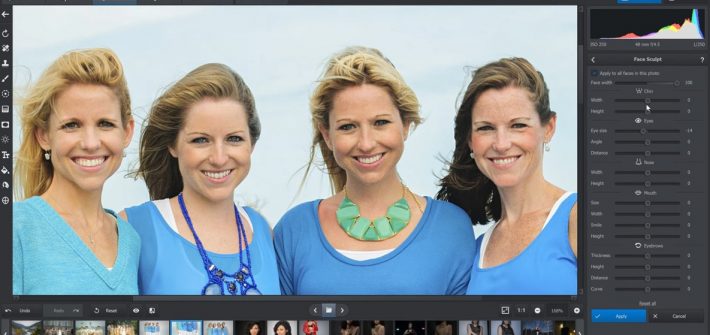
Photoshop has some pretty advanced automated tools for removing distracting objects from your photos, and while they can get the job done a lot of the time, sometimes, you are dealing with such a complex and difficult background that you need to take control of things. If that is the case, check out this helpful video tutorial that will show you how to efficiently and convincingly remove such objects.
I Used the Same Modifier for These Images, or Did I?
Getting new modifiers is exciting. My first one was a simple umbrella with diffusion. As I progressed into my career, I invested more and more into various light shaping tools. The one I was most reluctant to try turned out to be the modifier I am currently in love with. And here is why.
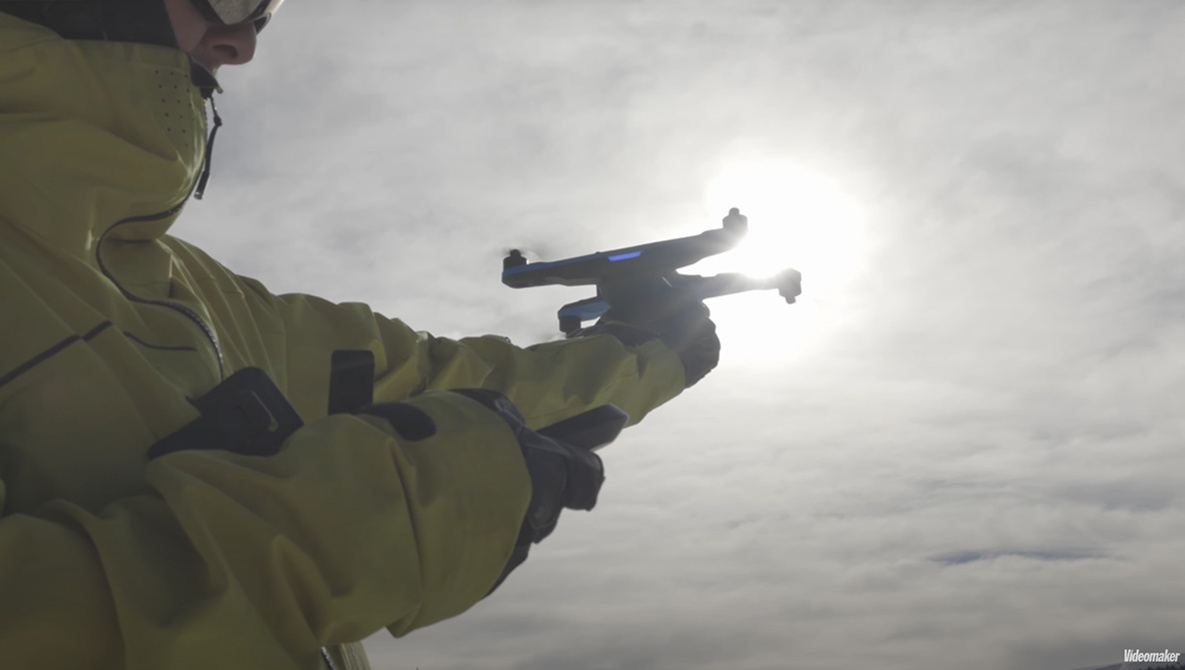
9 Useful Drone Features You Might Have Overlooked
Drones have quickly evolved into powerful and sophisticated tools for aerial photography and filmmaking, making them desirable tools for a wide range of creatives and applications. In all that sophistication are a lot of nifty and useful features that are easy to overlook. This great video tutorial will show you nine great features you should check out on your drone.
How to Take Full Advantage of Lightroom’s Newest Tools
Lightroom continues to advance in its capabilities, making it a more versatile editing platform than ever before. If you have not checked out all the new features yet, take a look at this fantastic video tutorial that will take you through some of the most useful new tools, where to find them, and how to use them for quicker and more powerful edits.