
How to Get More From the Histogram in Lightroom and Camera Raw

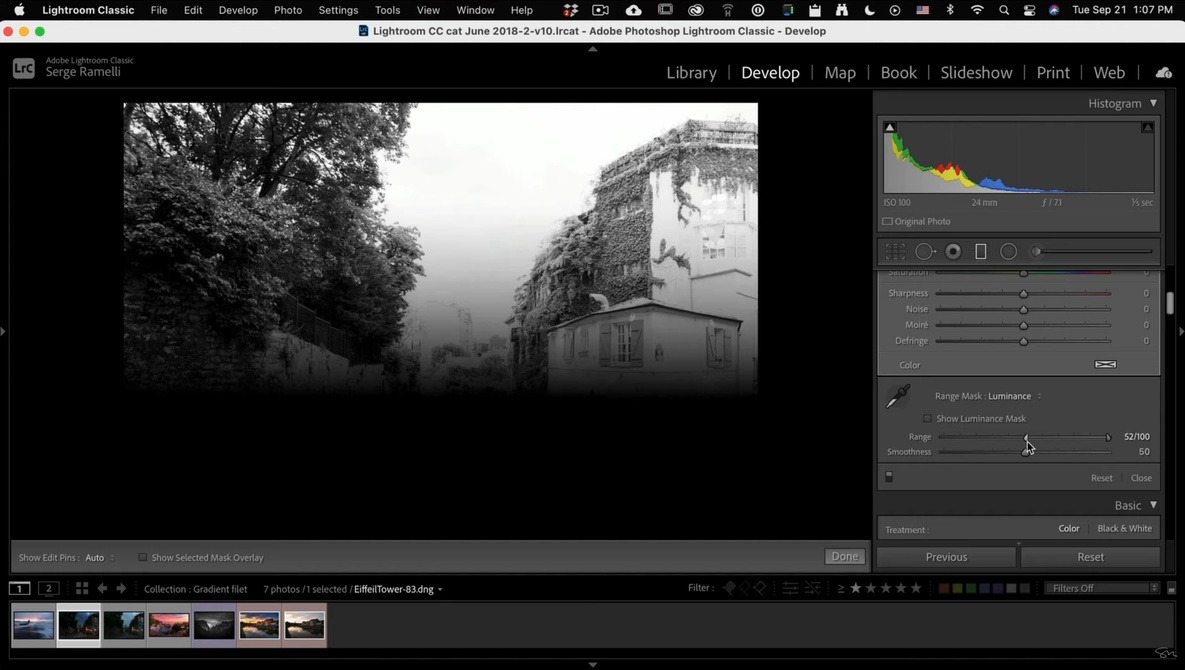
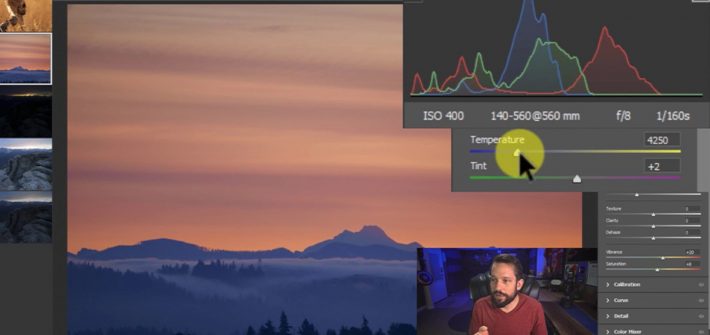
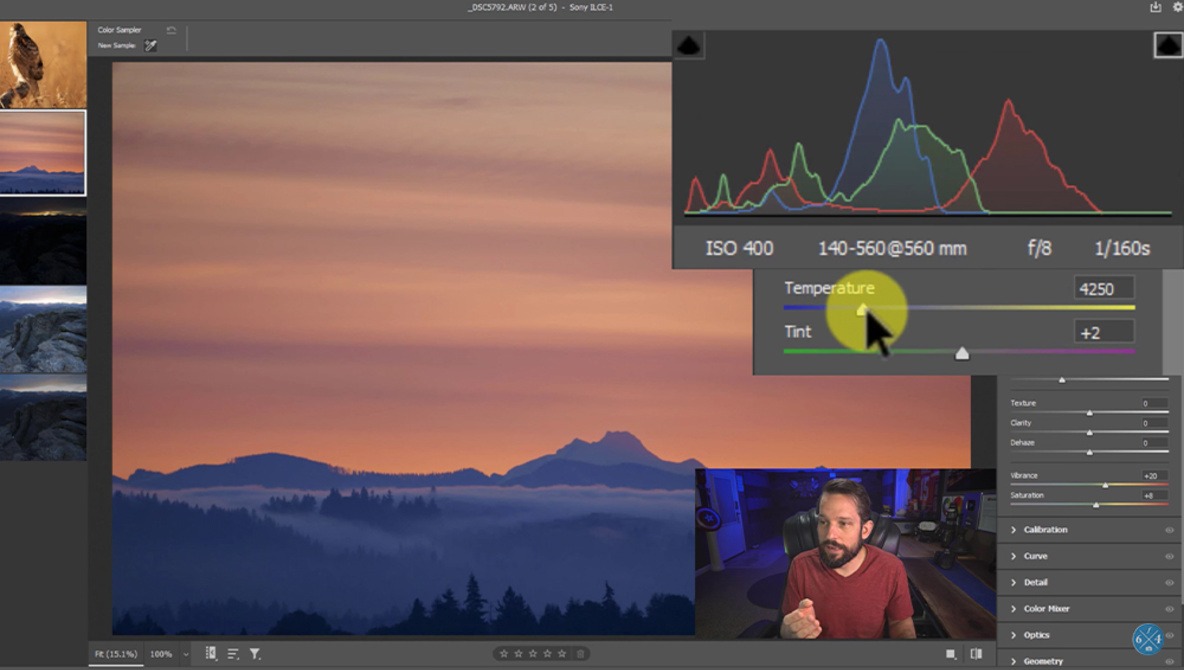
The histogram is one of the most useful tools available to any photographer, no matter the genre in which they shoot. You can do a lot more with it than simply reading the tonal content of your images, though. This excellent video tutorial will show you three lesser-known aspects of the histogram and how to use them in Lightroom or Camera Raw to get more out of your image edits.

[ Read More ]

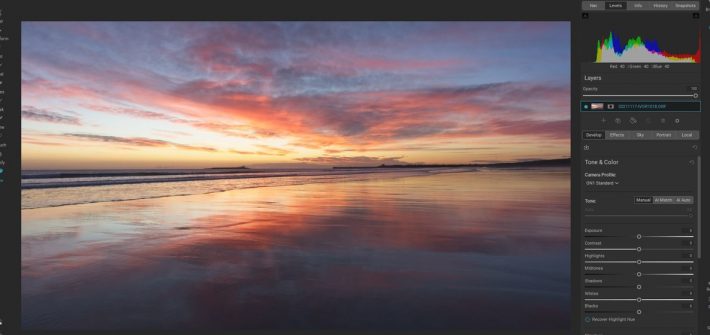
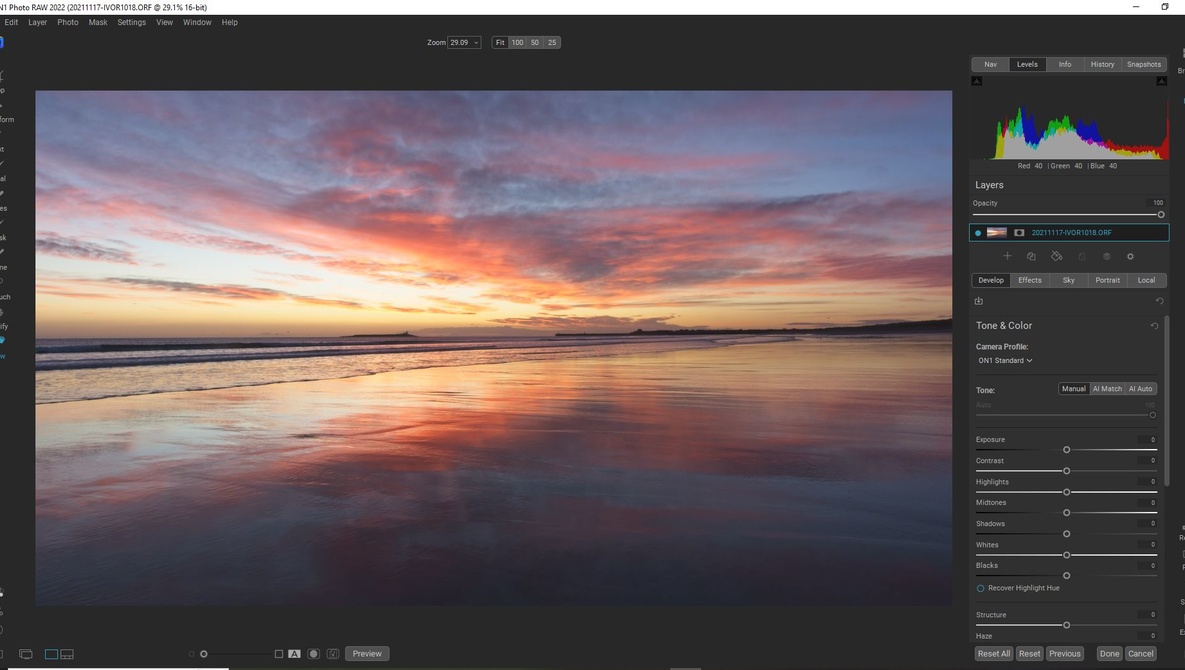
That’s Not a Lightroom Killer; This Is a Lightroom Killer! We Review ON1 Photo Raw 2022.5

Calling raw handling software a “Lightroom Killer” is a cliche. Nevertheless, this powerful suite of tools is starting to overshadow the Adobe Photographer’s Plan. It is now posing a real challenge to Lightroom and Photoshop. ON1 Photo Raw has another update, and now it offers everything most photographers need. It’s why I’ve said goodbye to Lightroom and Photoshop. Will it tempt you too?

[ Read More ]

Everything Your Need to Know About the Select and Mask Workspace in Photoshop

Before you get into any sort of advanced adjustments or edits in Photoshop, you need to select the part of the image you are working on. Depending on the photo, this can be a tricky process, but luckily, Photoshop has a wide range of built-in tools for extracting specific parts of an image or creating layer masks. The Select and Mask workspace is the place to go for a lot of this work, and this excellent video tutorial will show you everything you need to know to use and get the most out of it.

[ Read More ]