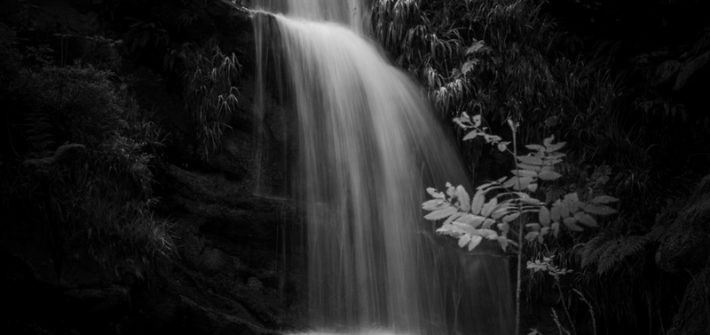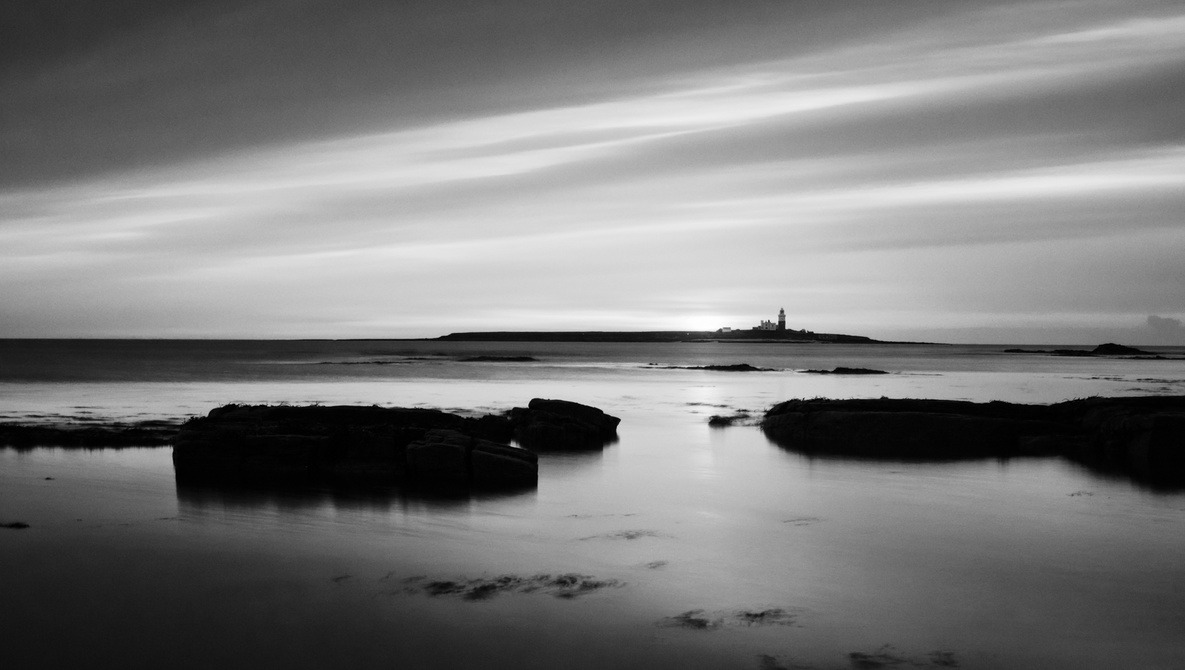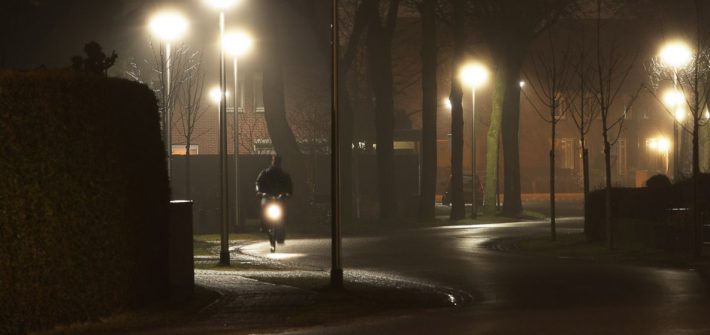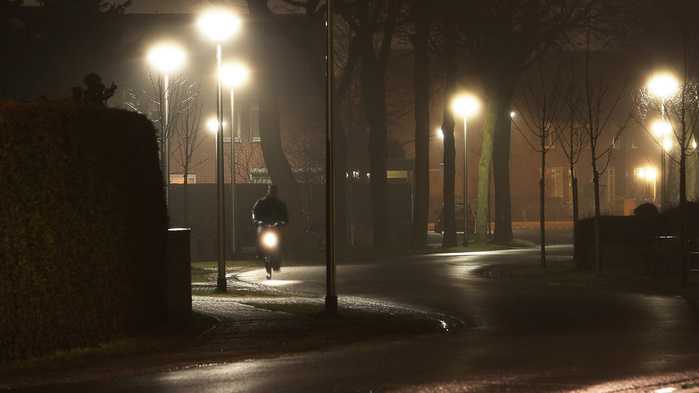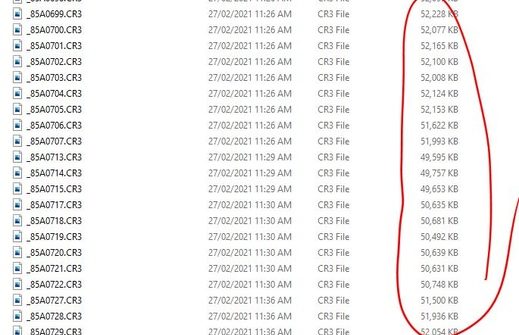
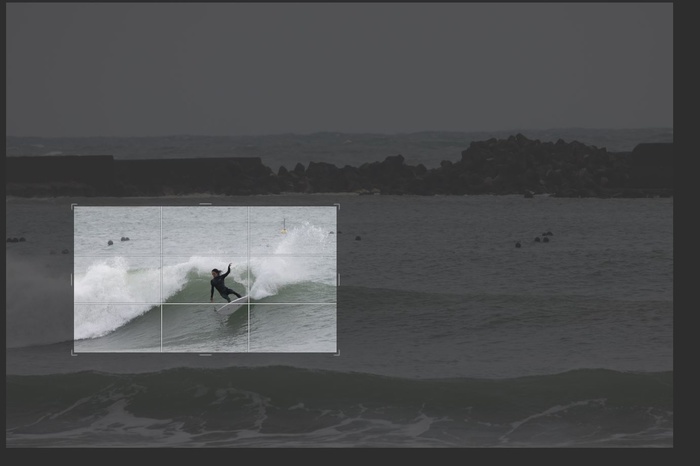
Adobe recently brought out a new feature called Super Resolution, which can increase the resolution of your images by up to four times. I tested this feature out on some heavily cropped images I’d recently edited. The results were fantastic.




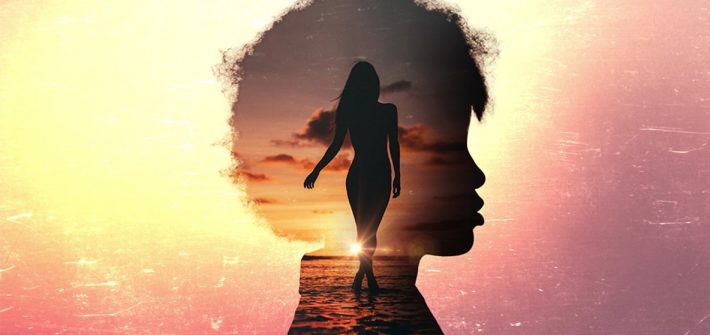
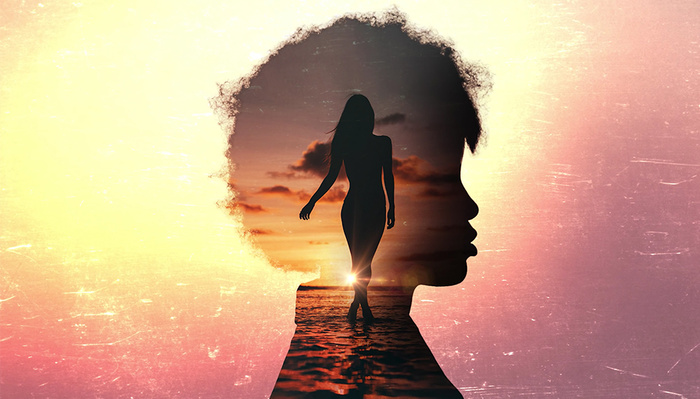
Double exposures are a really creative way to make compelling images that catch your viewer’s eye. And while they used to be rather difficult to create, thanks to Photoshop, you have a lot more control over the final product than in the days of film. This excellent video tutorial will show you how you can create your own.




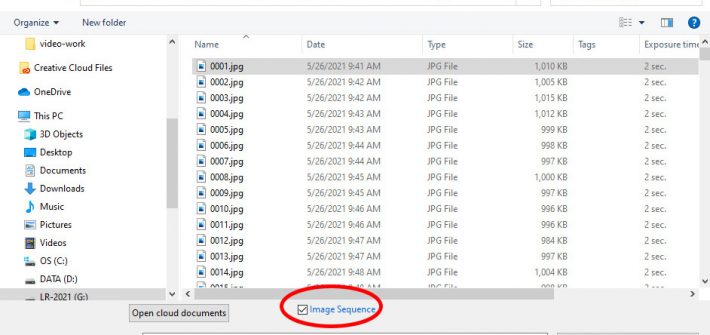
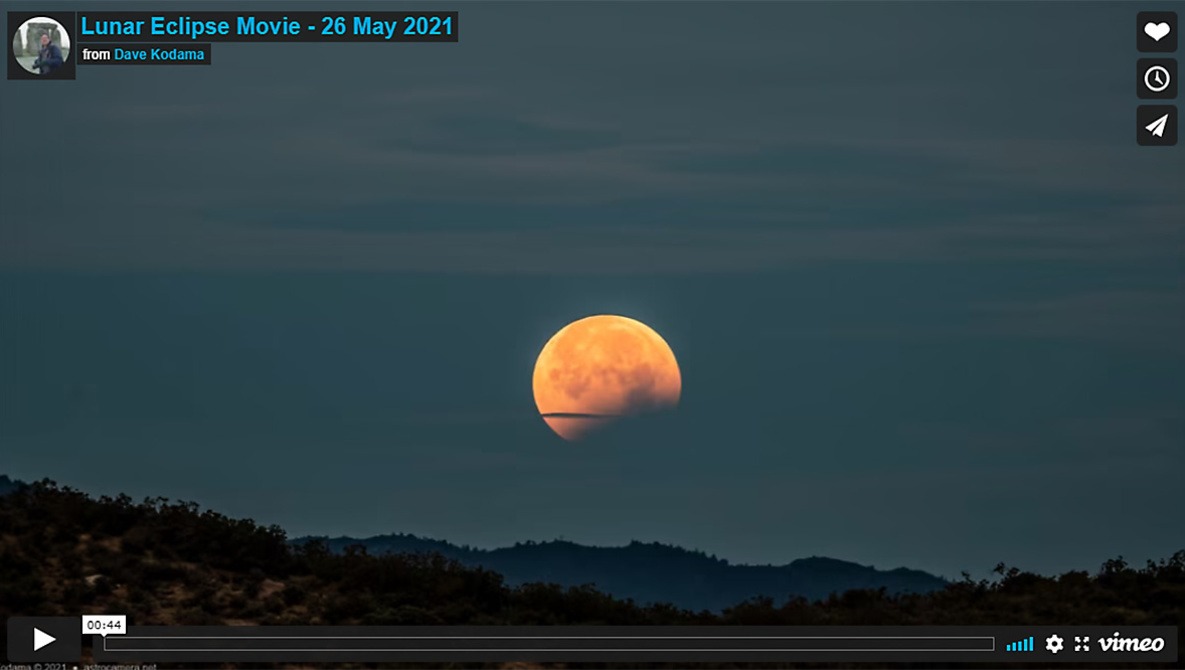
Lightroom and Photoshop are generally considered to be tools for standard (still) photography, but simple video tasks can be handled entirely within your photographer’s Lightroom and Photoshop subscription package (no need for Adobe Premiere Pro), and without any third-party add-on tools. In particular, the pair of programs handles time-lapse videos quite nicely.




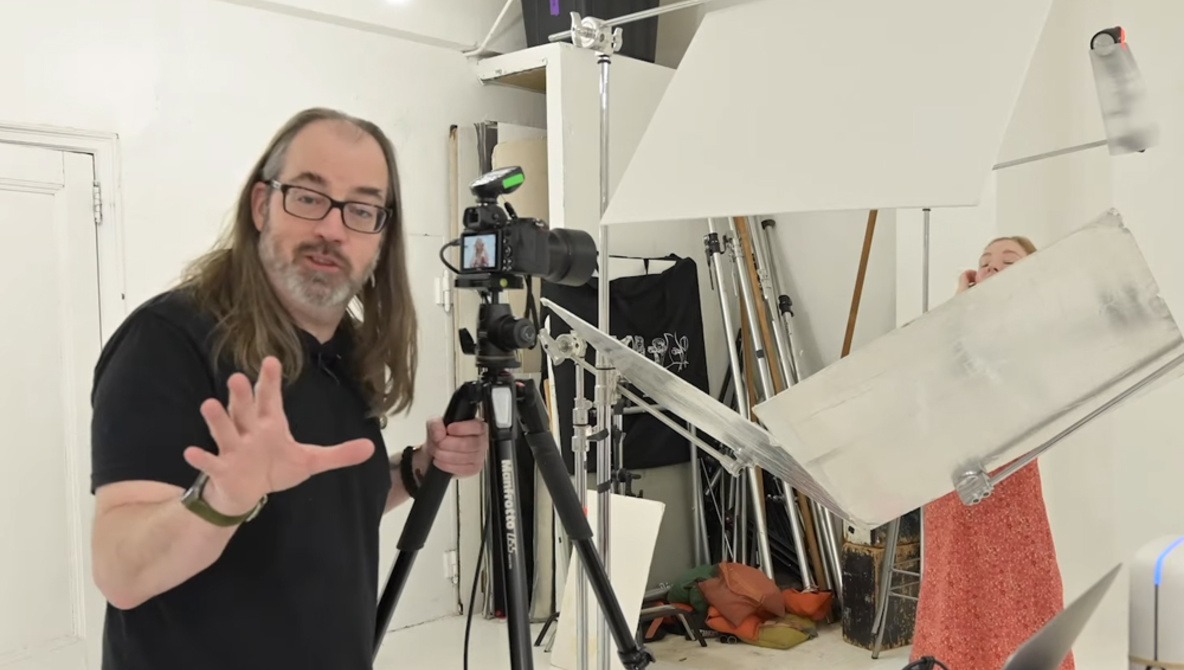
Sometimes, we’re hampered by malfunctioning gear or we just can’t afford to invest in a second speedlight, so it’s imperative that we learn how to make do with what we have. Creating an evenly lit, bright, and airy portrait with just one speedlight might seem like too much to ask, but not if you have a few grips and some reflective material at hand.