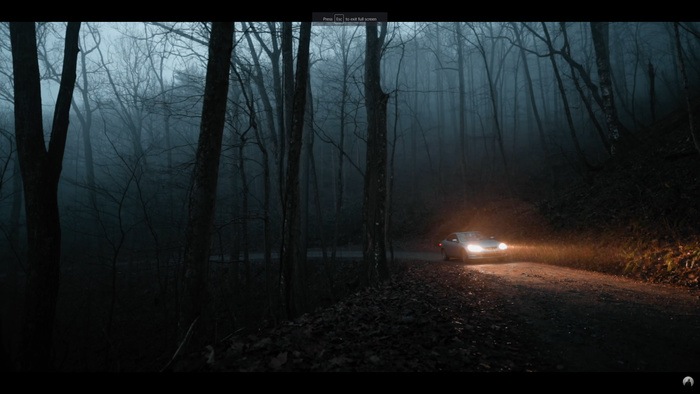

For the past decade modern cinema has opted for the orange and teal color grade to provide a wonderfully cinematic feel, and thanks to the new tools in Lightroom you can turn your shots into cinematic masterpieces, too.




Fujifilm fans have often found themselves hunting around for the best software to process the raw files produced by their X-Trans sensors. Now they have a new option with the arrival of DxO PhotoLab 5.




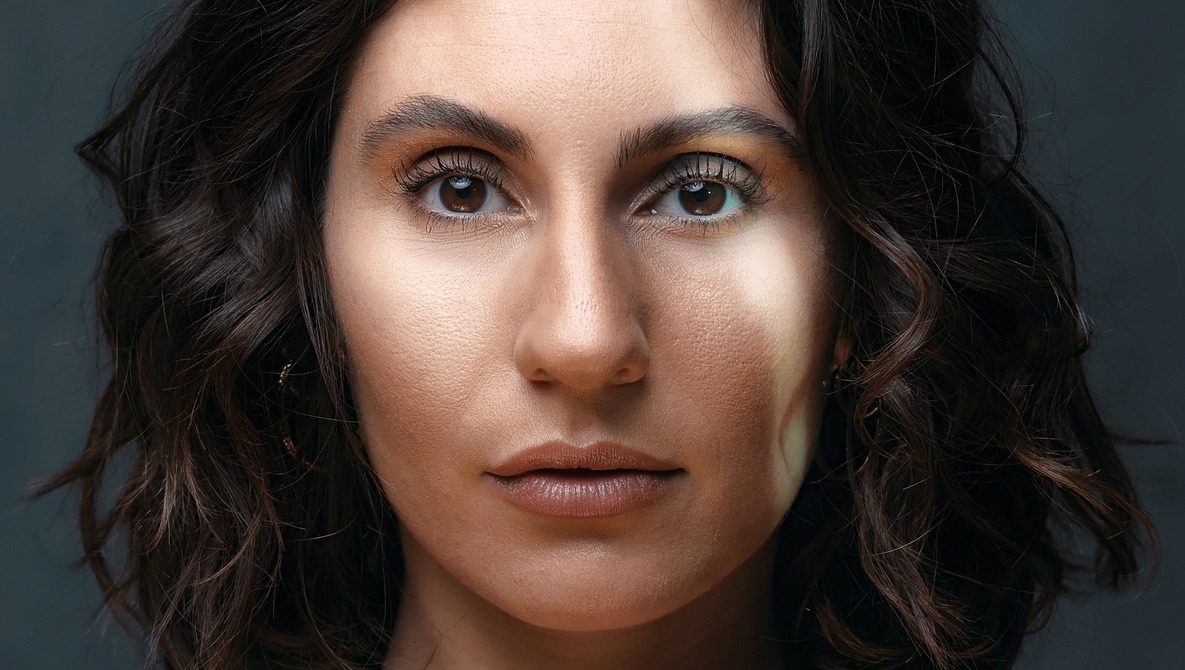
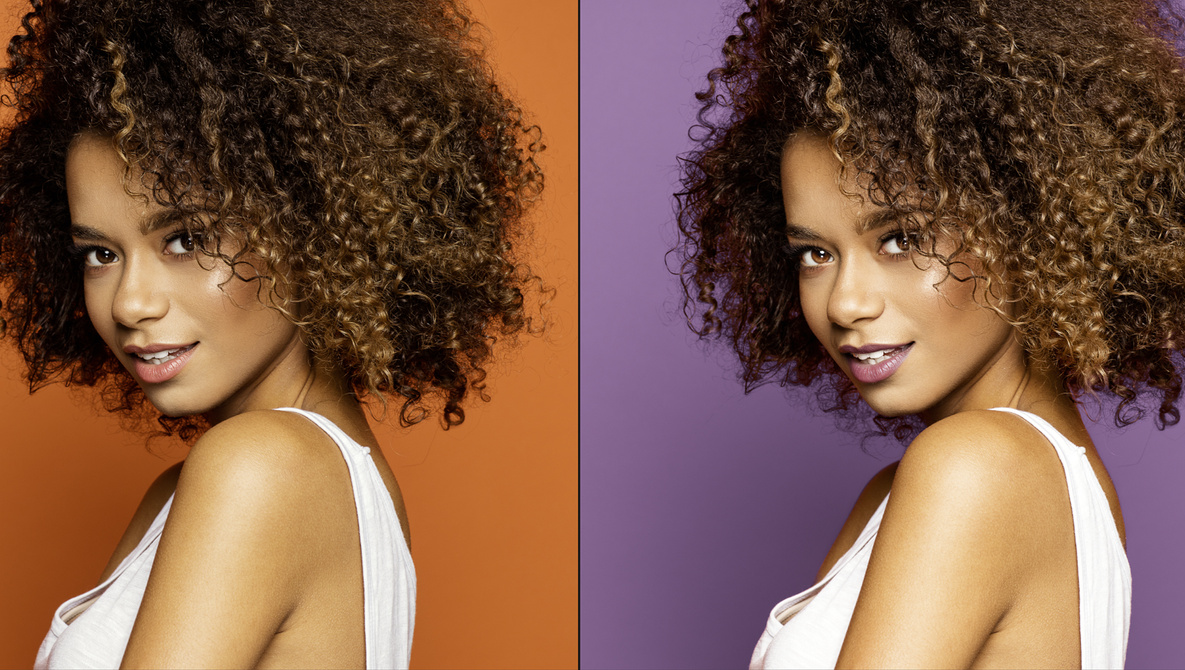
Retouching photos is as much an art as a skill, and portrait photographers must understand the proper way to retouch images, even if they prefer to have a retoucher do this work for them. Although there are a variety of ways to retouch an image, using frequency separation is the most common method and is considered one of the best. In this article and the accompanying video, I detail the process I use to retouch my headshots and portrait work.





While Lightroom and Photoshop are probably the most used post-processing programs, they are far from the only options. Many professionals prefer Capture One for their work, particularly for the way it renders color and for its tethering capabilities. If you are new to the program, check out this fantastic video tutorial that will show you how to edit a portrait using it.



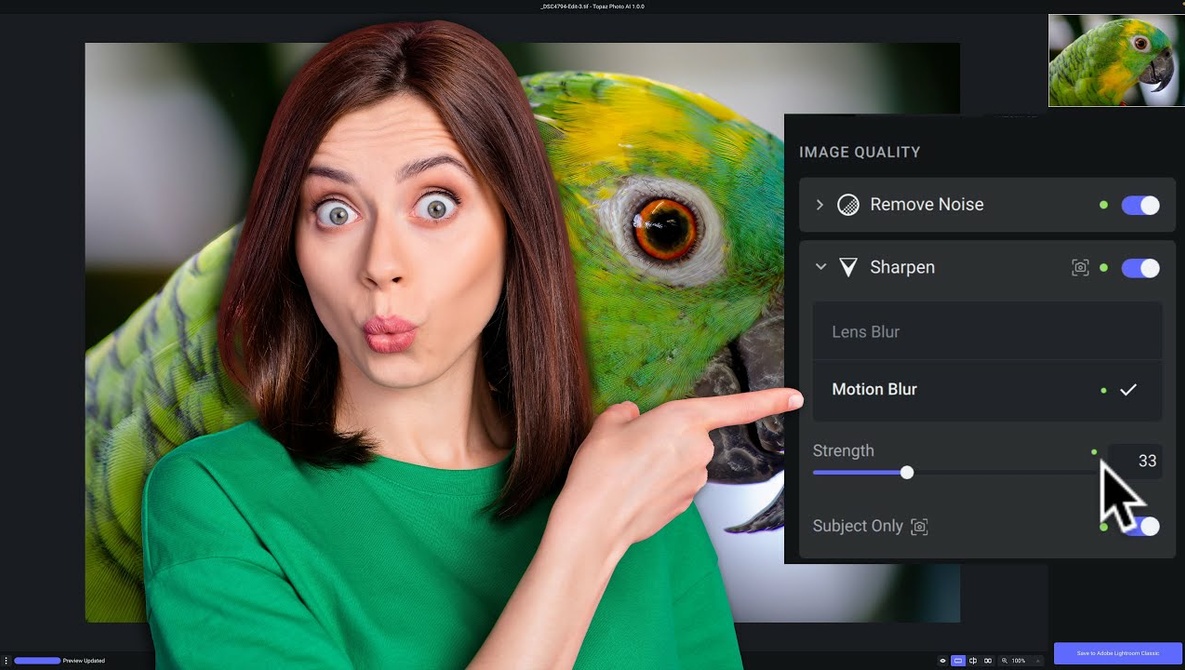
Topaz Labs Photo AI has been officially released, so take a look here to see what it is, how to use it, and how well it sharpens a blurry photograph.

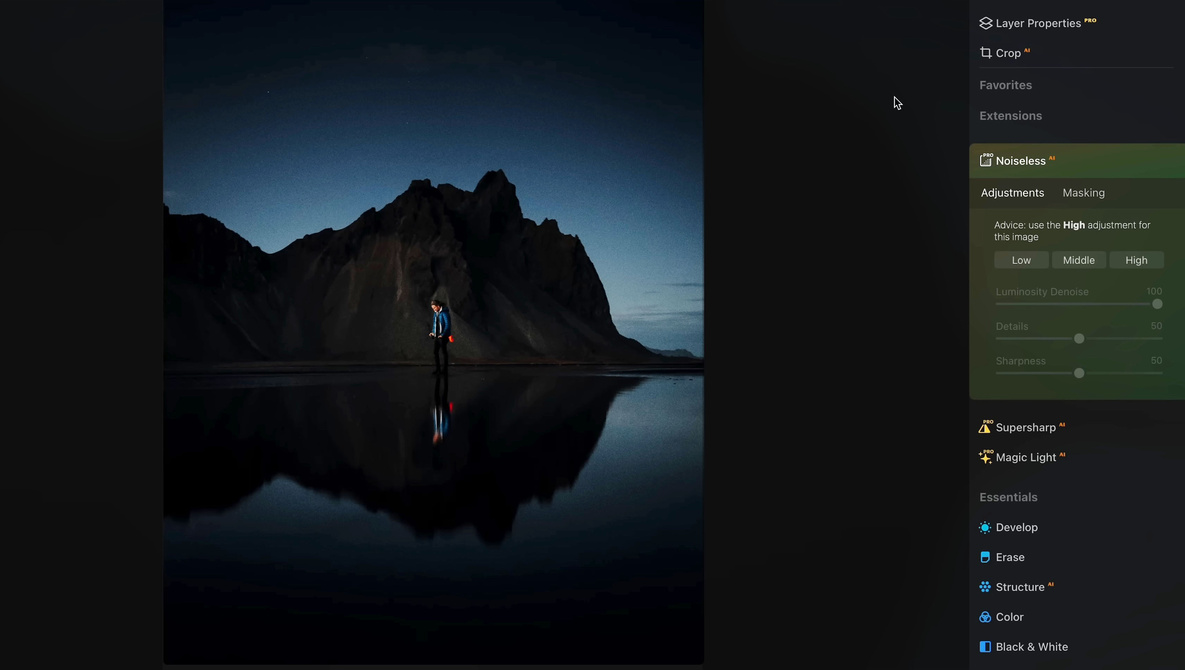
Many professional photographers are certain to have images that were taken on outdated cameras or taken on low-resolution sensors. But what happens if you want to print these images large or bring them up to current camera technology standards? Well, Luminar Neo might just be the answer for you.


I gave a favorable review to Peakto a couple of weeks ago, and one thing I noticed is that they do frequent updates, which is a positive thing in my view. Bug fixes and new features are frequent. Today, they’ve offered an update to Peakto that includes integration with Pixelmator Pro, a popular photo editor. Peakto, please note, is a Mac-only application.