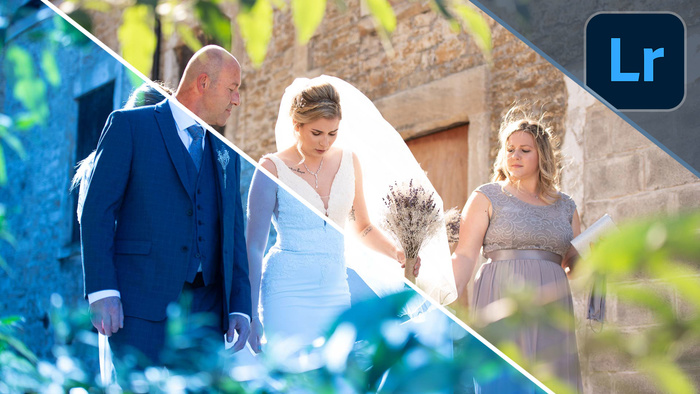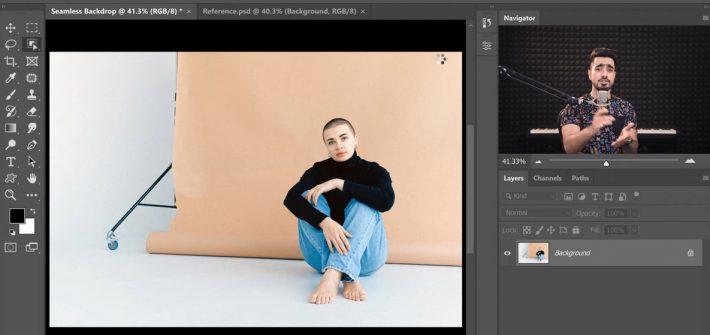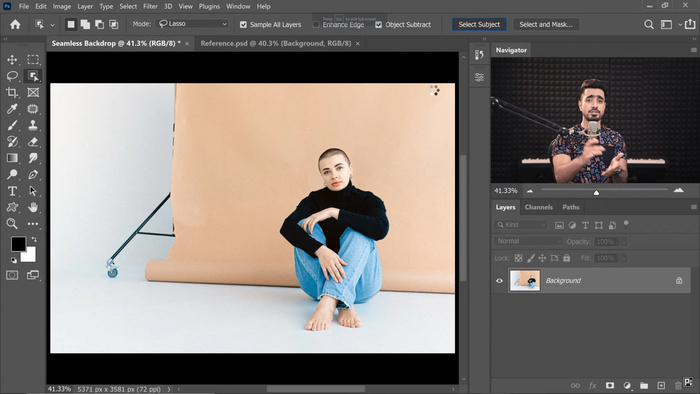
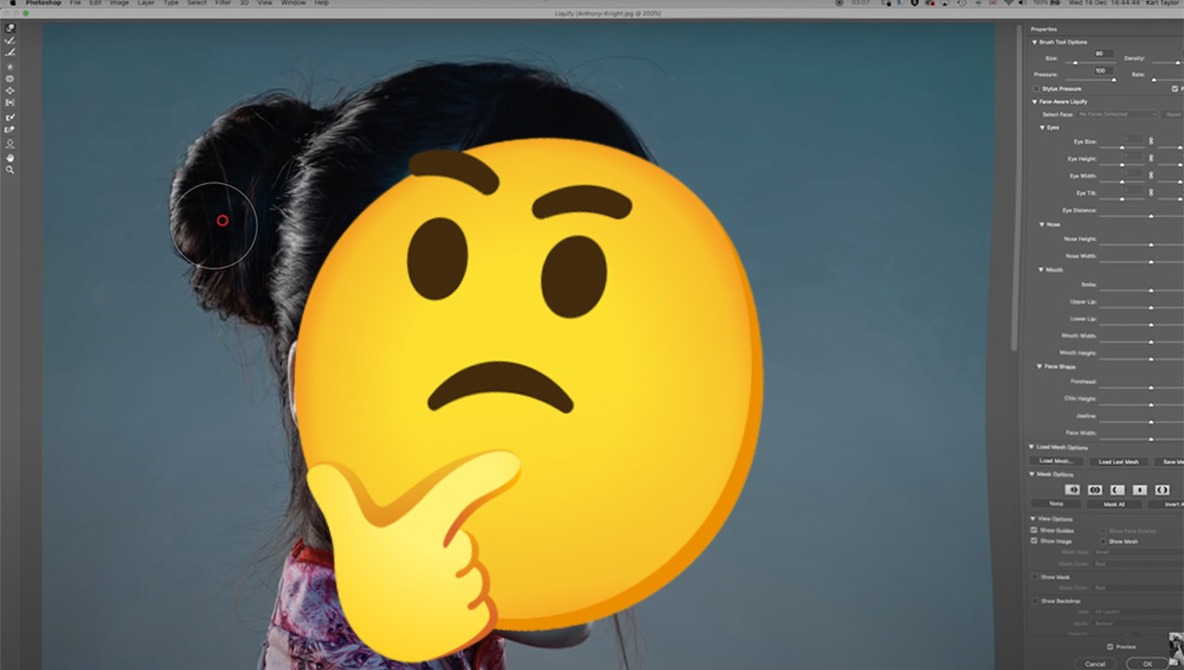
Any photographer with experience in portraiture knows that the image captured in camera is far from a finished portrait. Post-processing of portraits is a skill that takes time and practice to learn. Learning to use the Liquify tool can help to make a good image into a great image. As with all of the tools in Photoshop, it’s important to know how much is too much.
Post Production
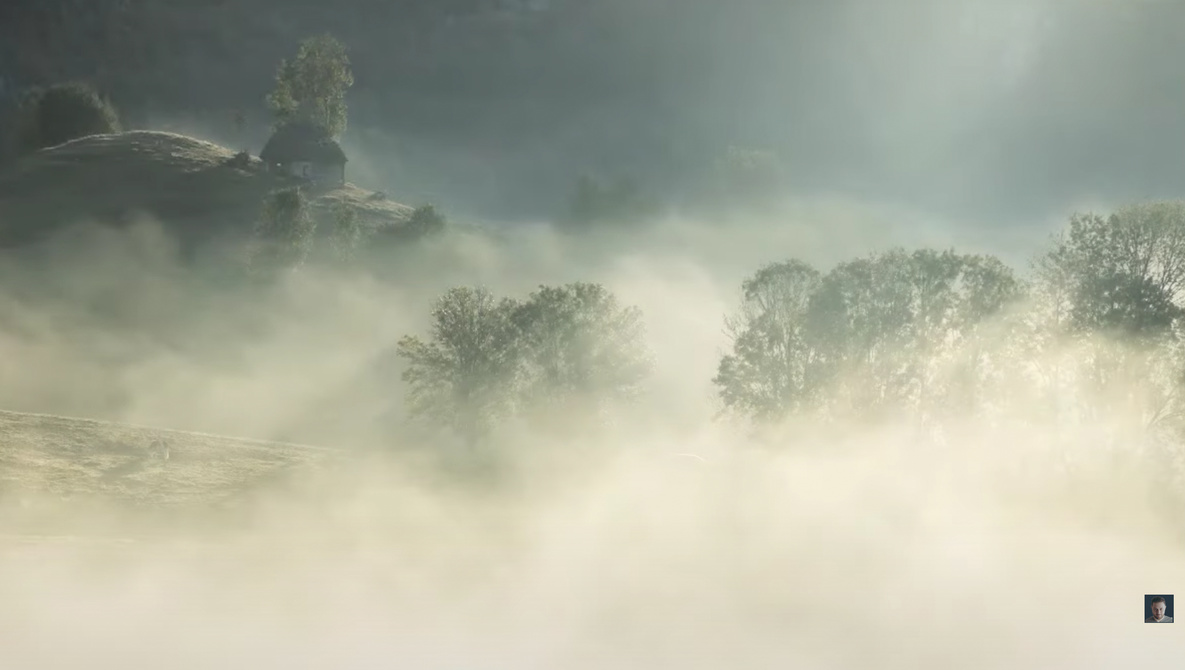
4 Mistakes Photographers Make Editing Landscape Images
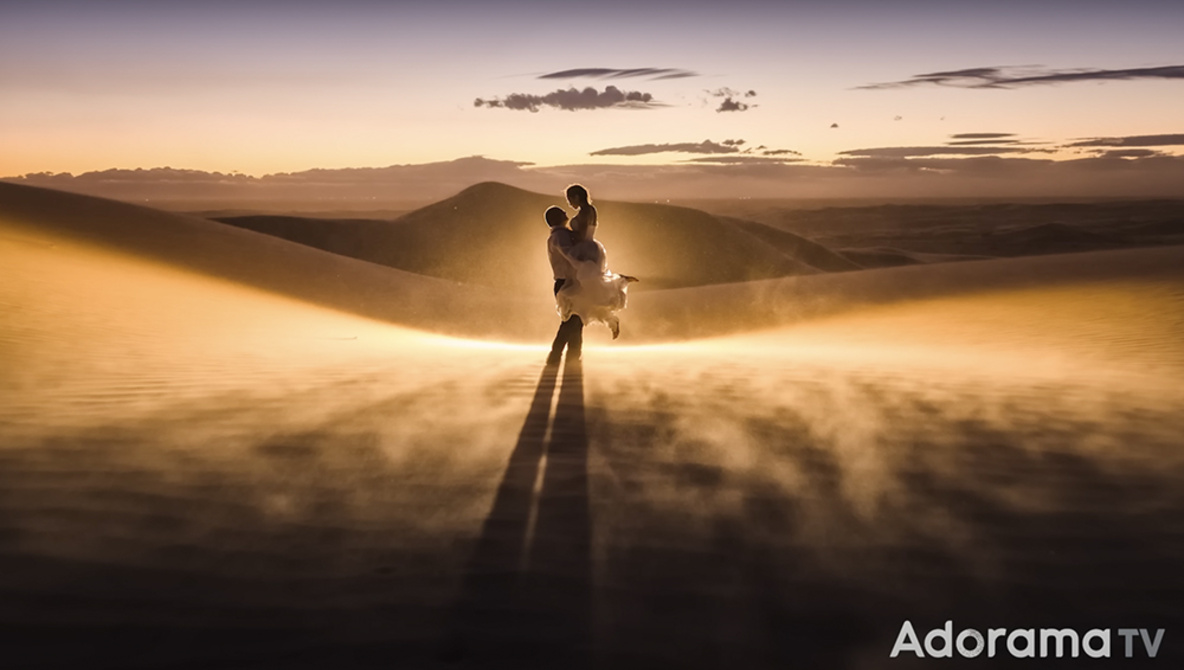
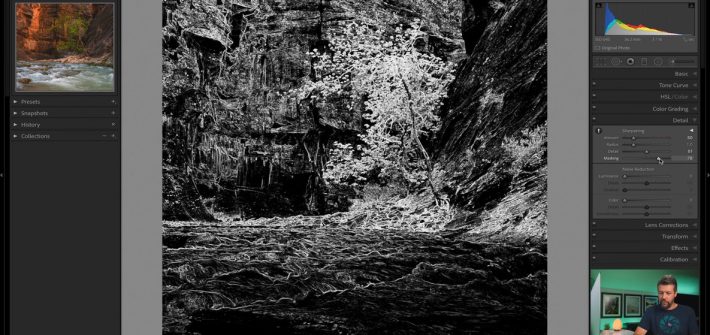
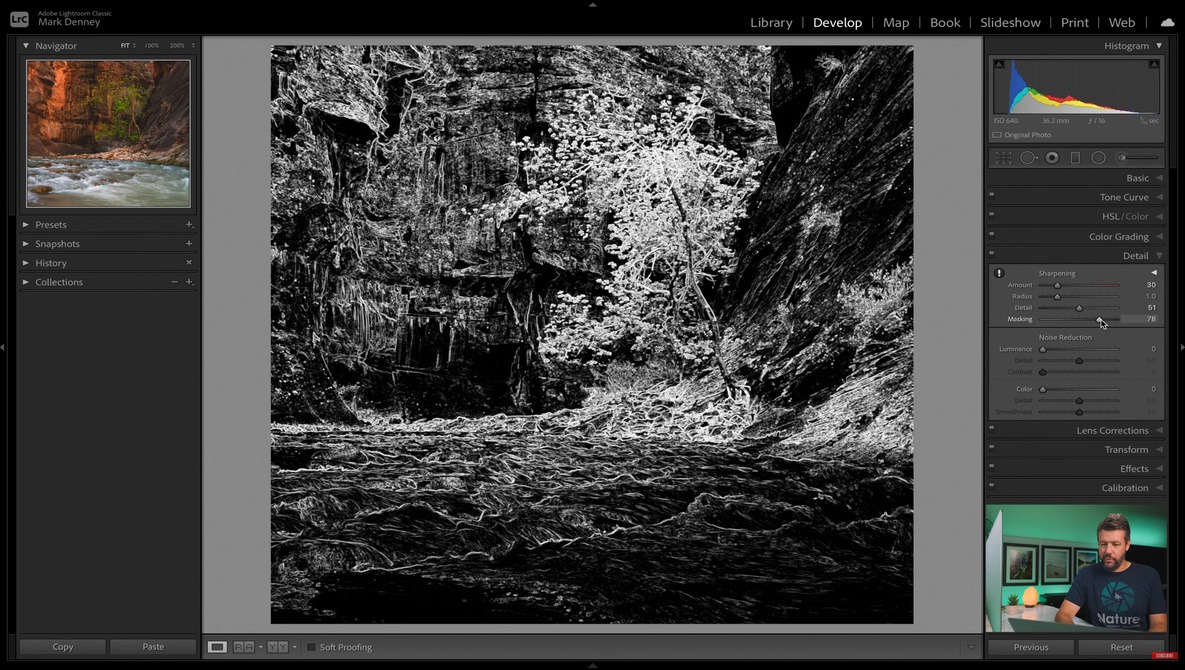
Most landscape photographs require at least some degree of post-processing to produce a complete image, and as such, you need to be comfortable with your skills not only behind the camera but at the computer as well. If you are working on improving your landscape image edits, check out this excellent video tutorial that discusses four mistakes photographers make in the post-processing stage and how to fix or avoid them.
Luminar Neo Adds a Focus Stacking Extension
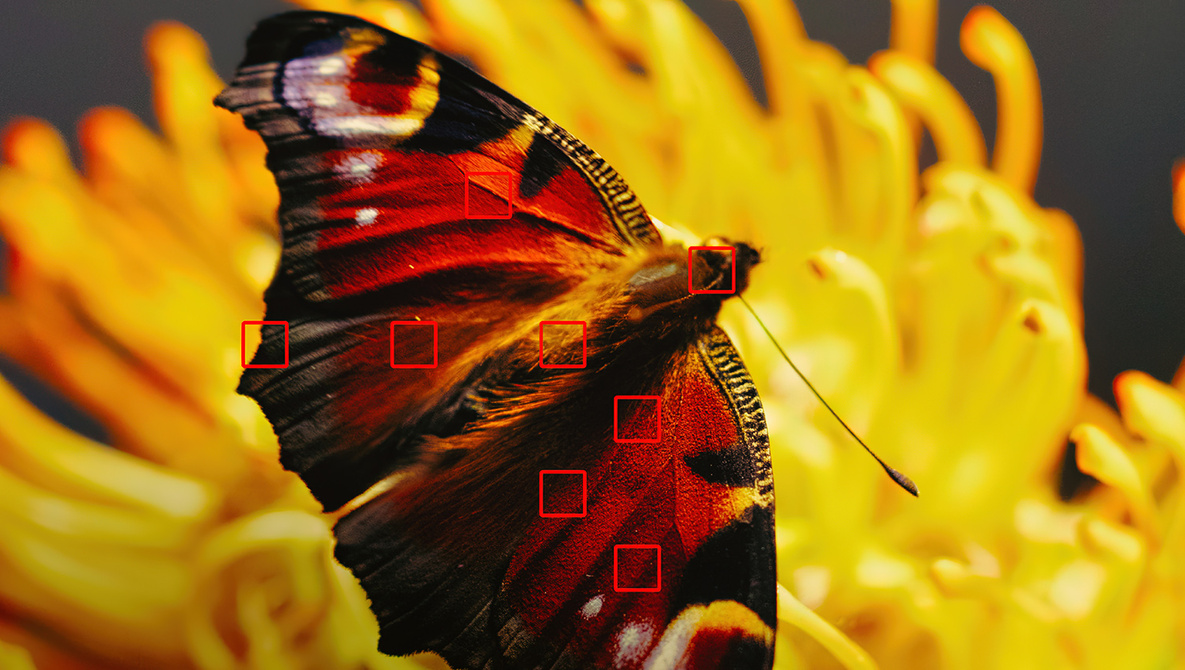
The fifth Extension coming to the Luminar Neo editing platform is Focus Stacking, a tool for achieving a deep depth of field in a photo by merging (or stacking) up to 100 source images. Now, creating photos that are in sharp focus from the front to the back of the image becomes much easier, whether you’re shooting macro photography, portraits, or landscapes.
5 Common Editing Mistakes Made by New Photographers
Learning all the technique that goes into using a camera to create a compelling, well-composed photo is an undertaking all itself, but then comes the post-processing that is required to create a polished, complete image. Just like using your camera, there are some common mistakes new photographers make when editing their images. This great video tutorial discusses five such mistakes and what you can do to avoid them.
Is This a Real Photograph?
Photography has often been described as the capture of light on a sensitive medium and its reproduction. But what happens when there’s a significant amount of manipulation before the final image can be created? Even more importantly, what happens when this is instantaneous and seamless? Is it a photograph that you’ve just taken? These are questions that we will have to answer for ourselves in the near future.
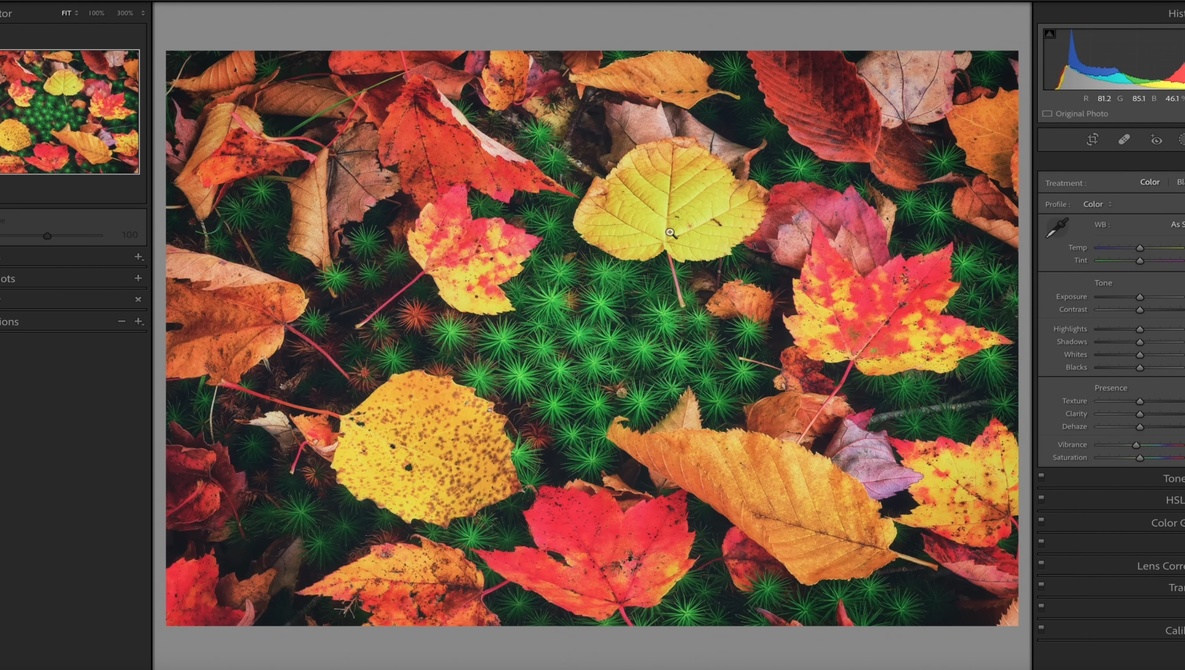
Should You Use Vibrance or Saturation?
Vibrance and saturation perform pretty similar (though different) functions, and it can be difficult to tell the differences between them at times, but there are certain situations in which one will give you better results than the other. This excellent video tutorial will show you the difference between the two and how to use each of them to get better colors in your images.