

It’s maybe time to let go of everything you know, take on board new beliefs, and change the course of your photography.




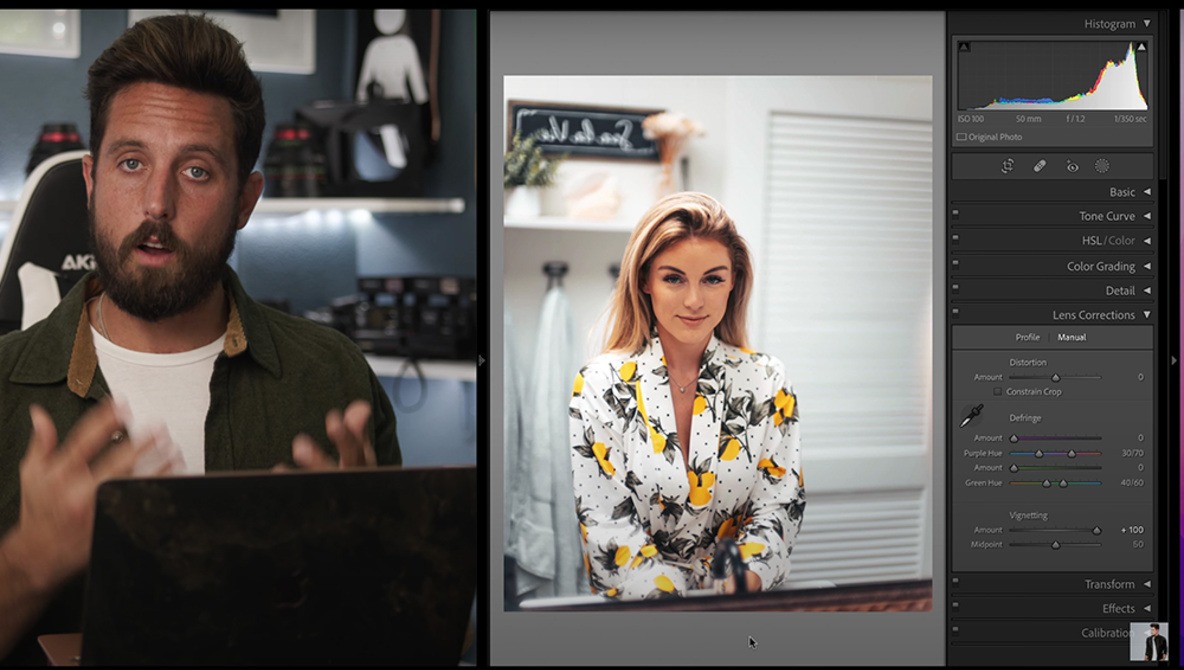
While every new photographer has to master working with a camera, that is only half of making a compelling image, as it takes good editing skills to finish things off. If you are new to editing your photos, this helpful video tutorial will show you a range of techniques and methods for post-processing a portrait using Lightroom.





Flat light in an otherwise interesting photo can be a frustrating thing, but with the dynamic range and post-processing latitude of a lot of modern sensors, you can do quite a lot to reshape an image in post and turn it into a compelling photo. This fantastic video tutorial will tell you how to take a photo that suffers from flat light but that has potential and use Lightroom and Photoshop to turn it into something great.





While Lightroom and Photoshop are probably the most used post-processing programs, they are far from the only options. Many professionals prefer Capture One for their work, particularly for the way it renders color and for its tethering capabilities. If you are new to the program, check out this fantastic video tutorial that will show you how to edit a portrait using it.





In this article, I share some techniques I used to edit my most popular photo here on Fstoppers. With 4.36 points from 95 votes, it appealed to many of you. But aside from the great subject with Mohamed and his dromedaries and the beautiful, golden evening light, the final image required quite some work to achieve this pristine look.


Photoshop is a tremendously complex and intricate application, and as such, there are some useful features that are easy to overlook simply by virtue of the overarching complexity. This awesome video tutorial will show you five such hidden gems in the program, where to find them, and how to put them to use for better and more efficient photo edits.


High-end retouching is normally done in Photoshop, so can similar edits be achieved in Lightroom without ever leaving the software? The following tutorial is based upon the tips and techniques provided in lesson 19 of Mastering Adobe Lightroom by Pye Jirsa and is only part of the 49 lessons available in the tutorial.


In a recent article, I shared a selection of easy-to-avoid photo editing mistakes. Today, it’s time for five more. Some of them might sound obvious, while others are more subtle. What they all have in common: they can ruin an otherwise great edit.


A few years back I wrote a lifetime review on the Canon EOS 5D II. Since then I upgraded to the Canon EOS 5ds and 5DS R cameras, 5 years down the line I thought it apt to have a detailed look at them.