A Beginner’s Guide to Masks and Layers in Photoshop

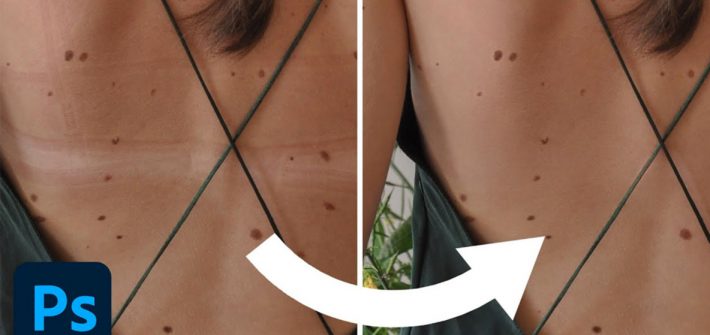
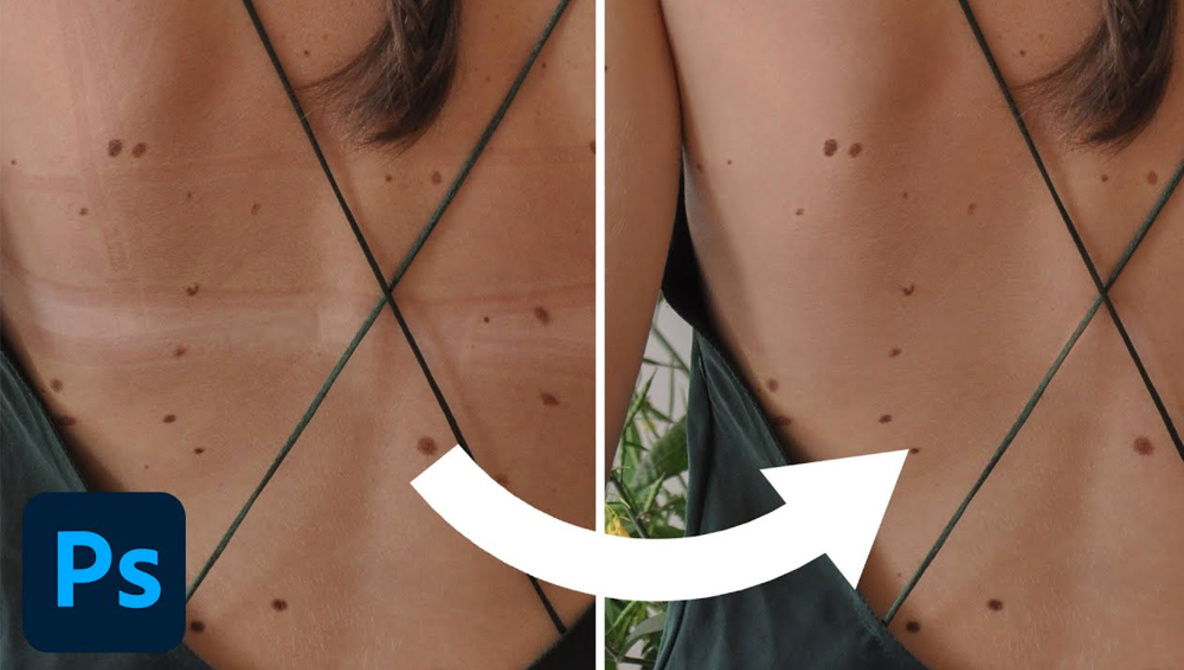
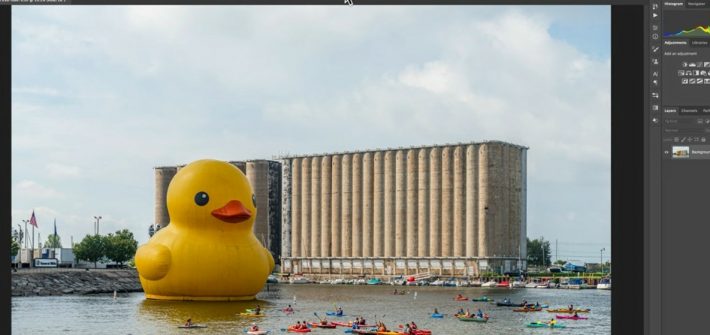
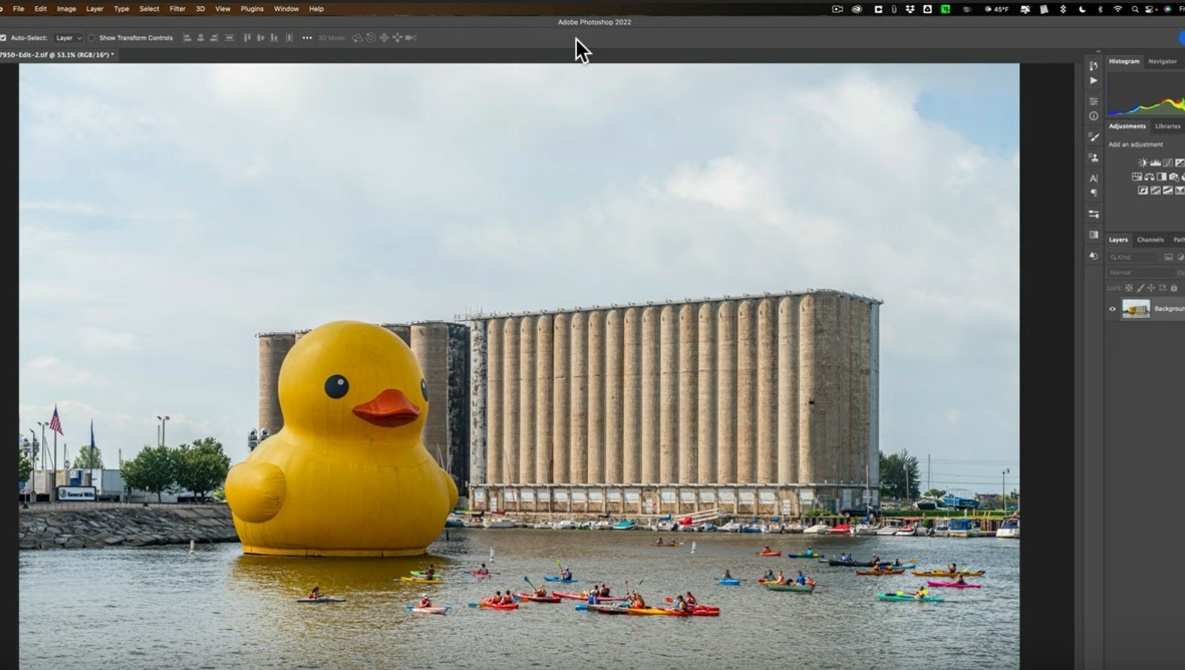
Two of the most fundamental and important features in Photoshop are layers and masks, and it is rare you will ever edit an image without using one or both of them. If you are new to Photoshop and want to begin building your knowledge of the application, check out this fantastic video tutorial that will show you the ins and outs of layers and masks and how to use them to edit your images.

[ Read More ]

How to Enhance Eyes Using Photoshop

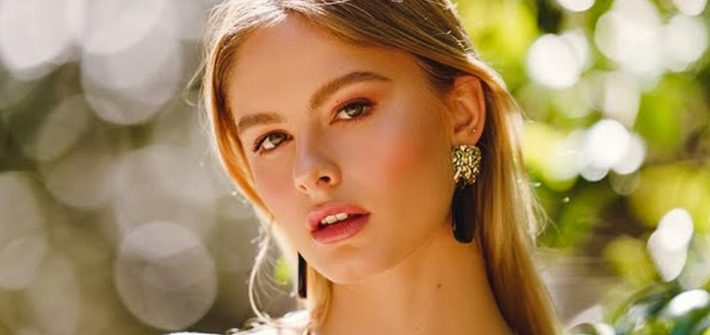
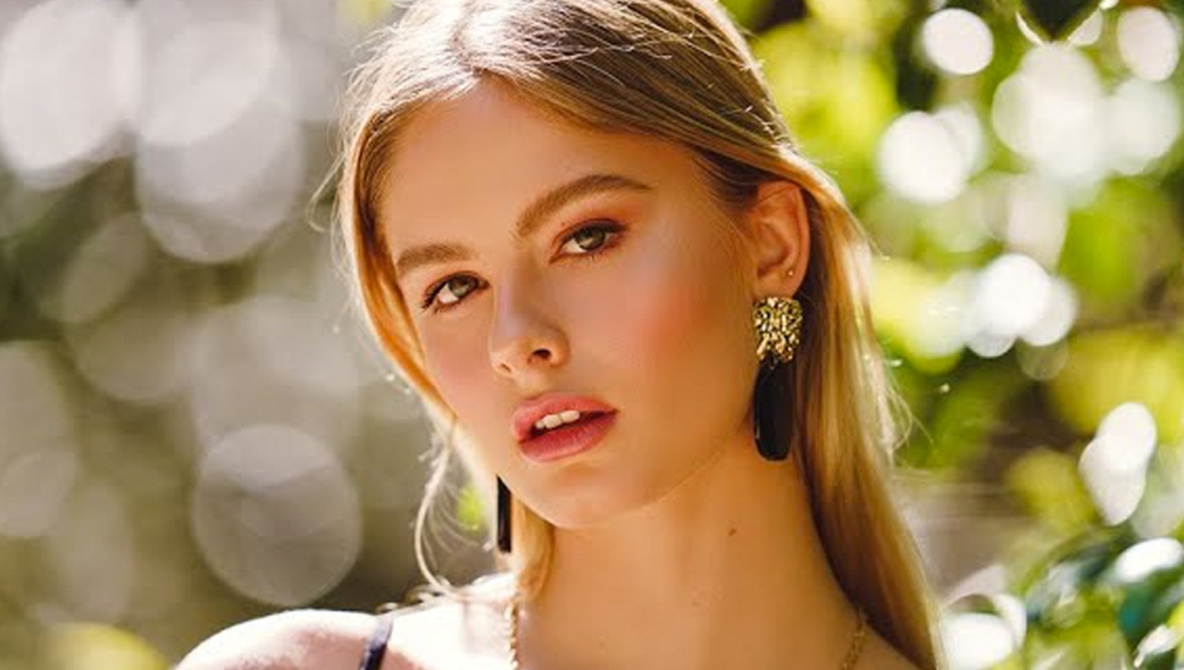
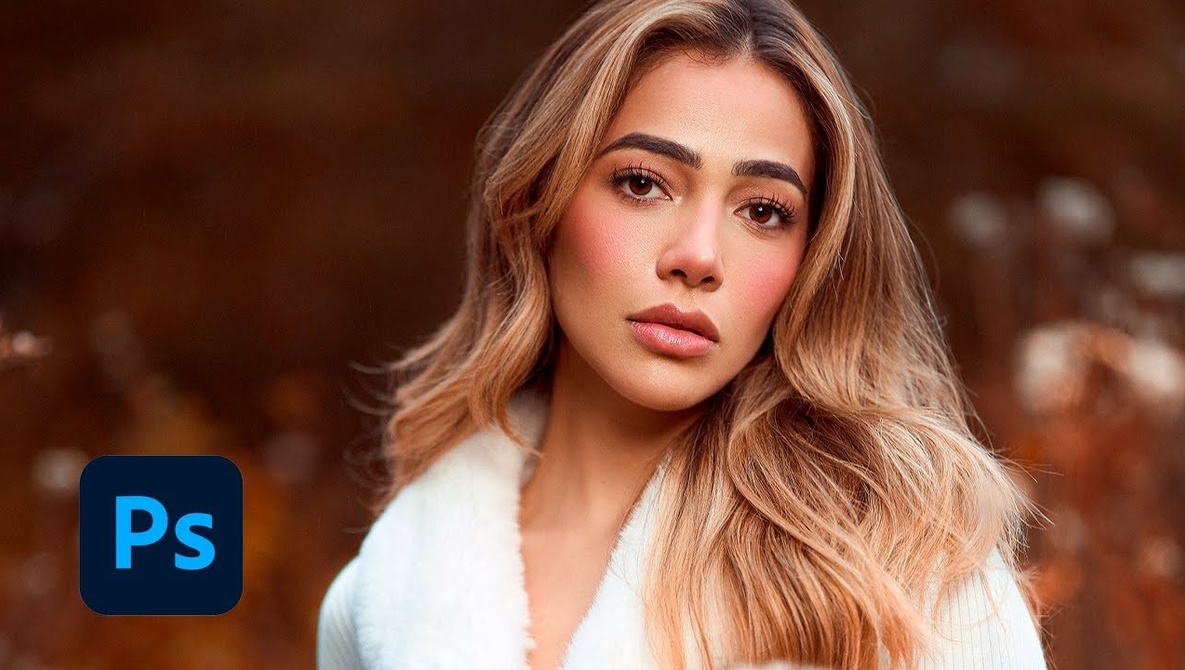
The eyes are one of the most important of any portrait, and as such, they deserve a little bit of extra attention when you are in the post-processing stage of your work. If you would like to improve your portraits, check out this fantastic video tutorial that will show you how to brighten and enhance the eyes in a portrait for natural, compelling results.

[ Read More ]

How To Create Before and After Animated GIFs for Your Images in Photoshop

How To Create Before and After Animated GIFs for Your Images in Photoshop

Where once editing was a sly activity most people wanted to hide, creating the illusion that the images came straight from the camera, now it’s a generally accepted part of the process (even if it always has been part of the process!) A great way to engage with your followers and show just what can be done with a photo is to show before and after images, so you may as well do it properly.

[ Read More ]