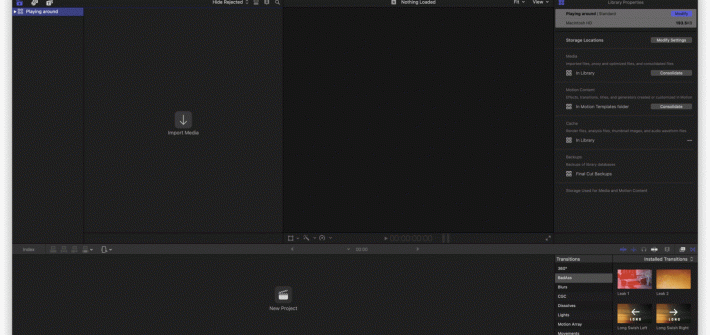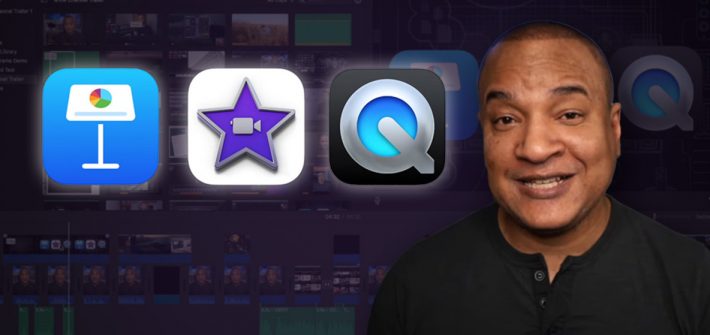
If you’ve wanted to try your hand at creating videos, but have dreaded tackling the daunting interfaces of professional editing tools like DaVinci Resolve and Adobe Premiere Pro, here’s some good news for you. The tools that you already have on your Mac are probably good enough to help you get started on a YouTube or video production career. It turns out that you don’t always need to use professional tools to make good videos.
Mac
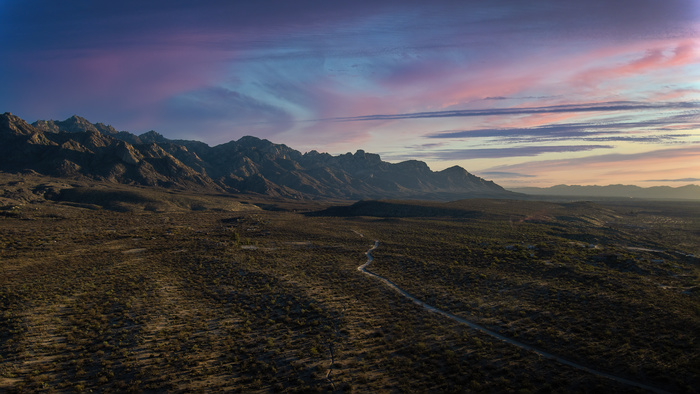
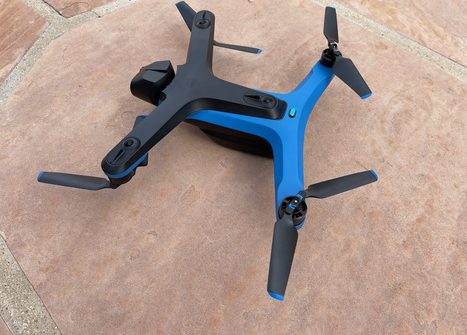
Landscape Photography With a Skydio 2 Drone
I’ve been an avid landscape photographer for many years, and I’ve been a drone flyer for almost 4 years. I liked the idea of getting landscape shots from angles I simply couldn’t get to from the ground. Living in Arizona, there’s a lot of opportunities to get some lovely images from the air.
Luminar Neo Gives Us a Better Preview of What’s Coming
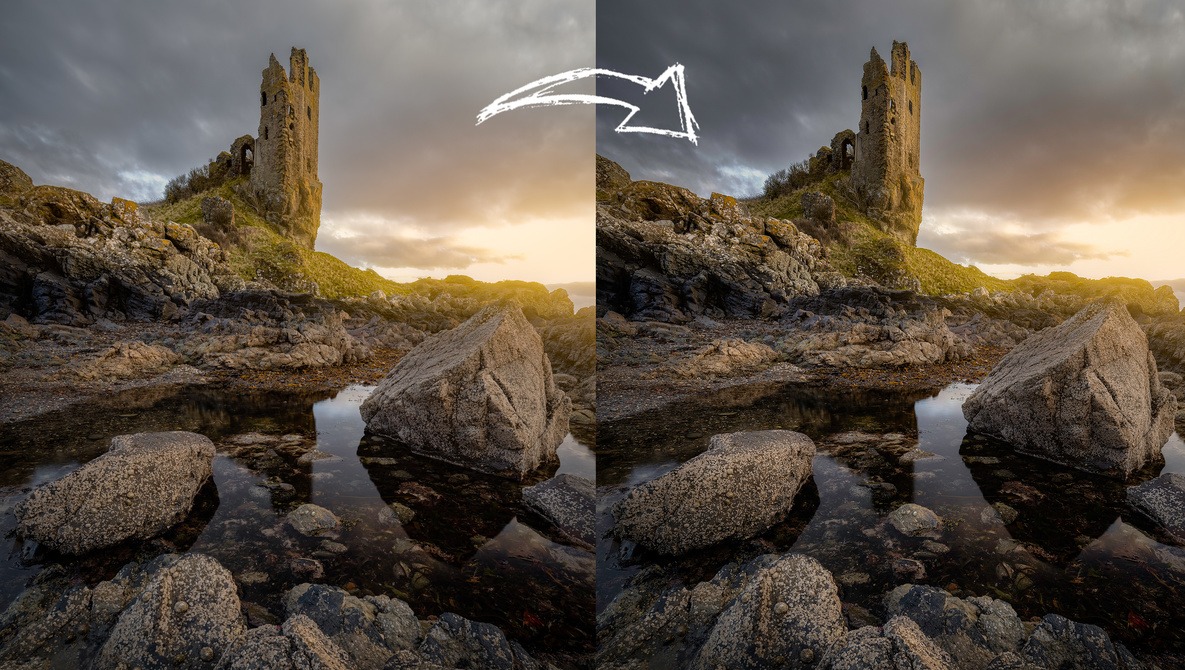
Skylum has been heavily teasing its new editor called Luminar Neo for many months, and today, I received another working preview of the app, available on Windows and Mac platforms. The new version seems to run a little faster than the last preview, and it is fully native to Apple silicon. I tested it on my 16″ MacBook Pro with the M1 Max chipset. The release version will be faster, but Neo was editing at a good clip.
Skylum Updates Its Smartphone App With AI Portrait Enhancing and Slick Tools for Landscapes
Skylum’s Imgmi for smartphones has been out for a while. Like Luminar Neo on the Mac and PC platform, it’s an AI-based image editor with a host of features, including sky replacement, power line removal, and tools like saturation, exposure, shadows, and highlights for simple editing.
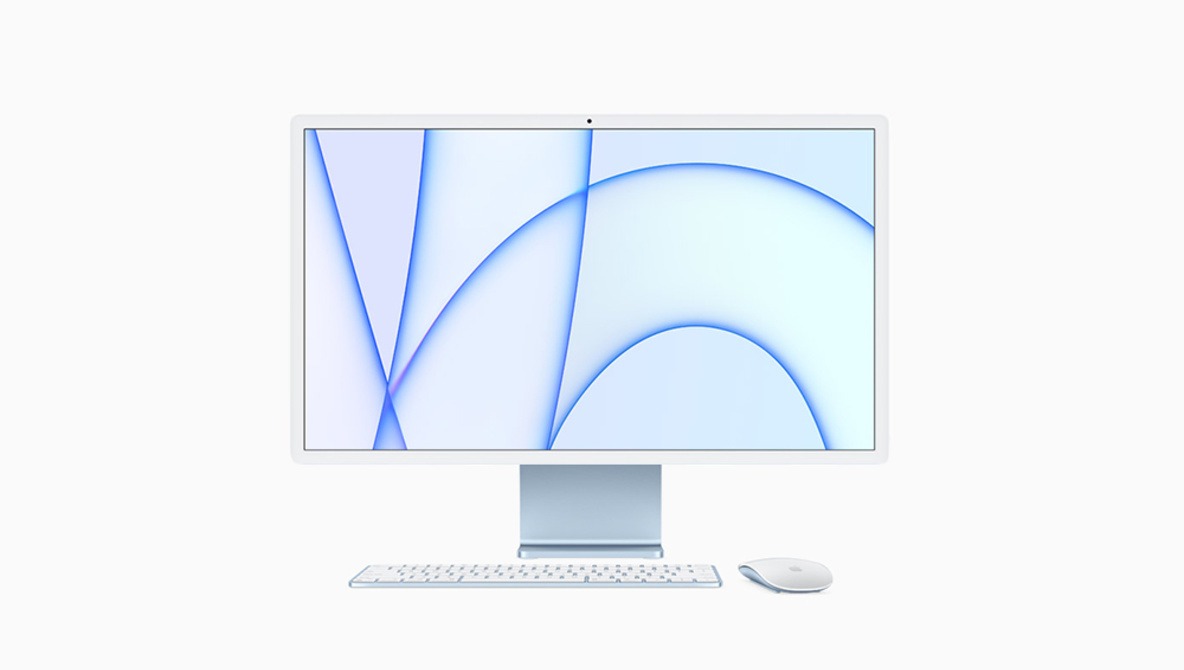
A Long-term Review of the M1 Ultra Mac Studio
Apple’s transition to the company’s own chips has seen a massive increase in power and efficiency, and nothing has shown more raw capabilities than the M1 Ultra chip in the Mac Studio. So, how does the computer hold up after several months of usage? This great video review takes a look at the computer after three months of usage and if it can keep up with the needs of power-user creatives.
Simulate Light Setups On Your Computer With Set.A.Light 3D
If you are going to shoot a model, it is great to have an idea about the right lighting setup. Experimenting when the model is standing in front of your camera may not be the best time to do this. With the software set.a.light.3D, it is possible to simulate any possible lighting setup imaginable.