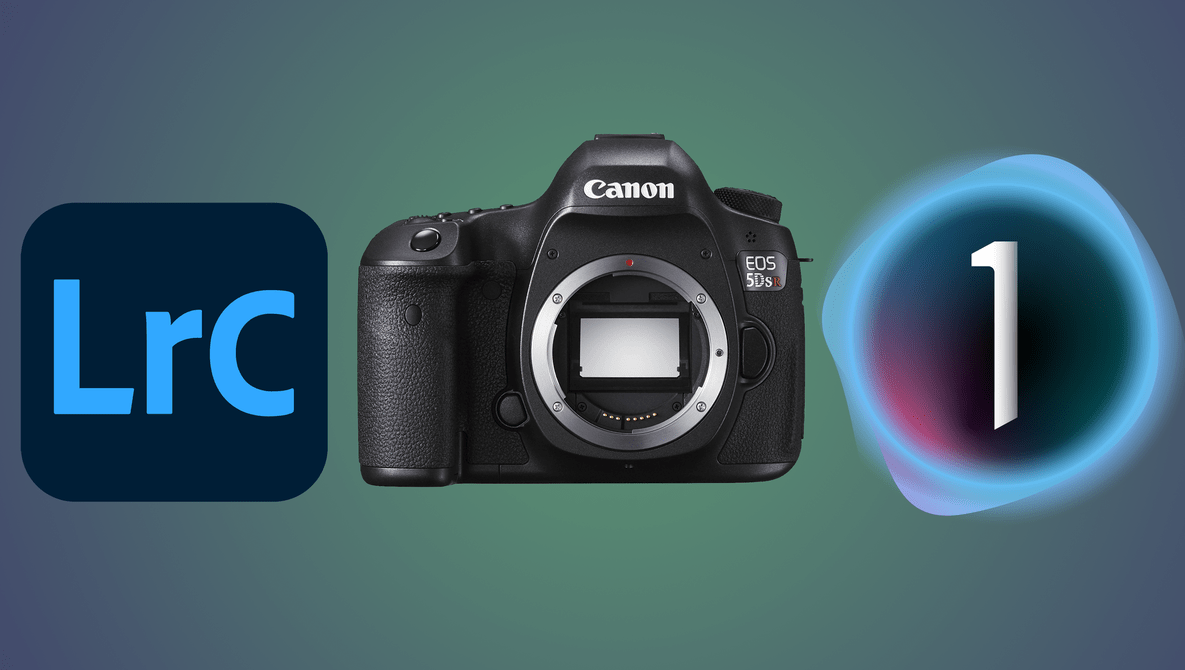
In this series of articles, I’ll be comparing Capture One to Lightroom to see which one is the better choice. The articles will focus predominantly on color; however, other points such as contrast and dynamic range will also be covered too.





Modern image files can be large and rather clunky to work with, but Lightroom has a neat feature to make things easier and more versatile: Smart Previews. This awesome video tutorial will show you the ins and outs of Smart Previews, including why they are used and how to take advantage of them for your own work.





While Lightroom and Photoshop are probably the most used post-processing programs, they are far from the only options. Many professionals prefer Capture One for their work, particularly for the way it renders color and for its tethering capabilities. If you are new to the program, check out this fantastic video tutorial that will show you how to edit a portrait using it.



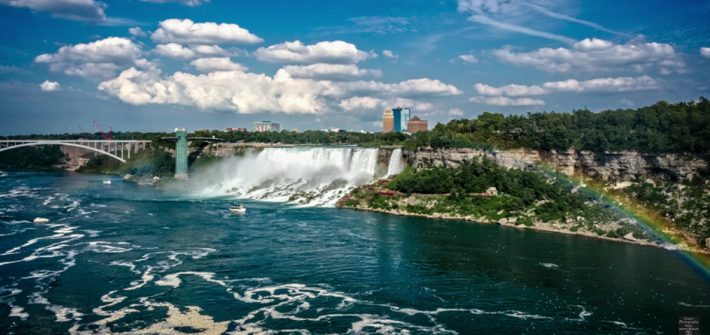
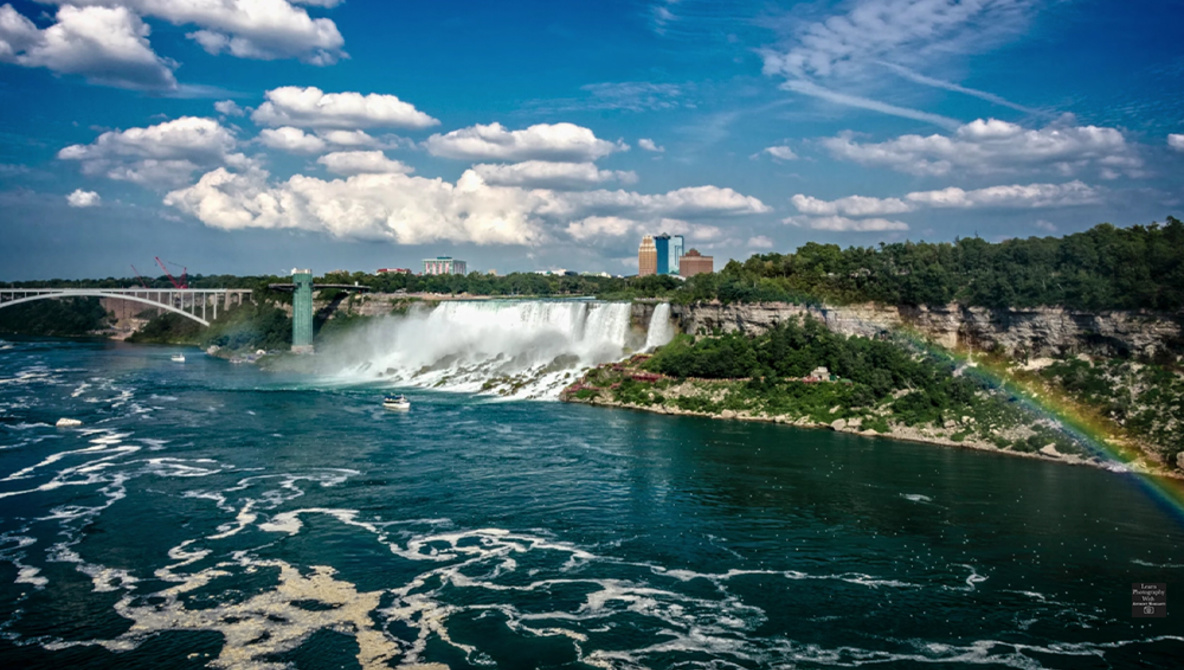
Though we often think of Photoshop as the complex behemoth, Lightroom has plenty of little nuances and hidden features as well. One of the least discussed is the Camera Calibration tab, which sits at the bottom of the Develop module and can give your photos the kind of subtle boost that takes them to the next level. This excellent video tutorial will show you everything you need to know about what the Camera Calibration tab does and how to use it.
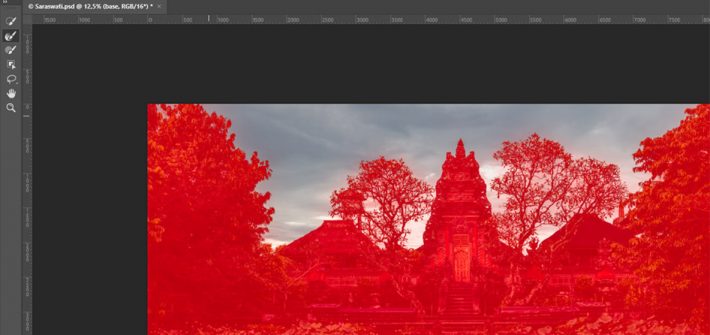
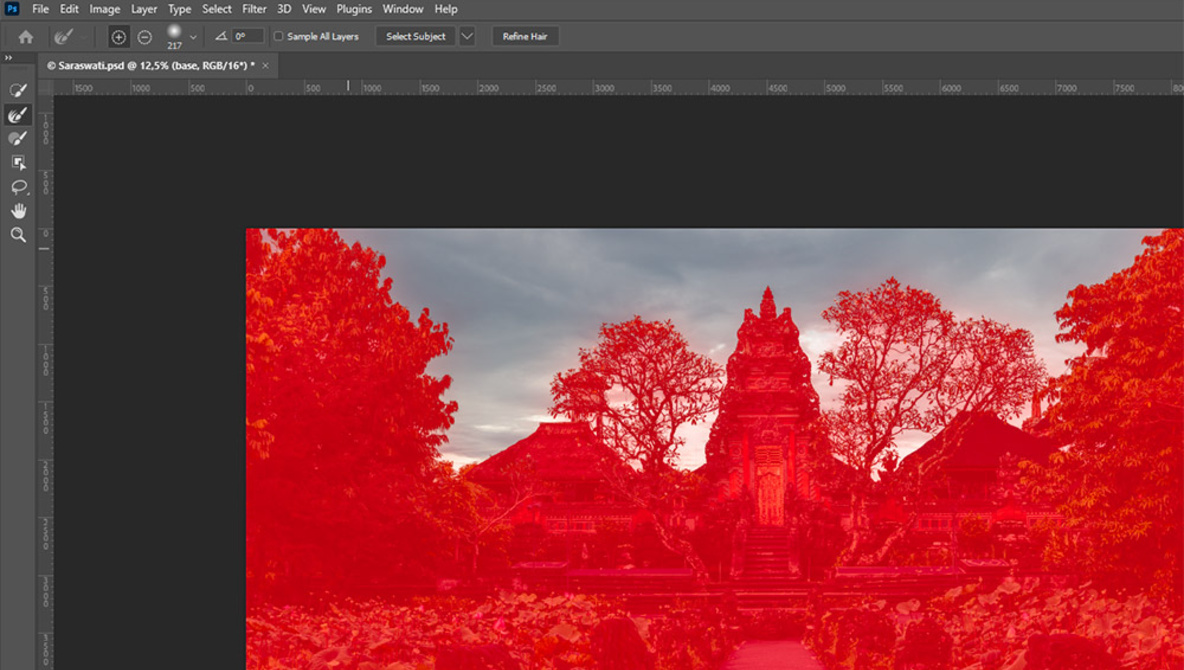
Since Lightroom and Photoshop introduced their automatic sky selections, changes to the sky in landscape and architecture photos have become very easy. But, how good are those automatic selections? If you edit photos for web representation alone, they are mostly good enough. But if you intend to print your photos, you might want to improve them, which is what I show in this article.
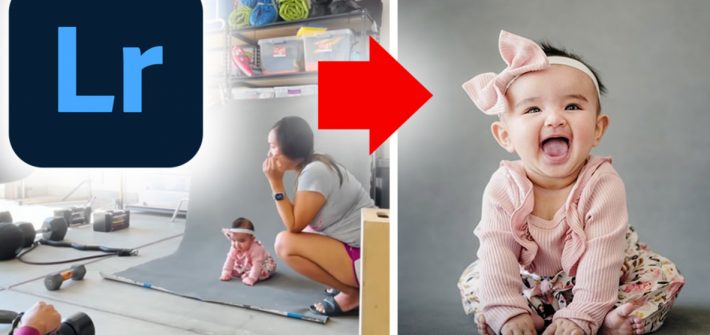
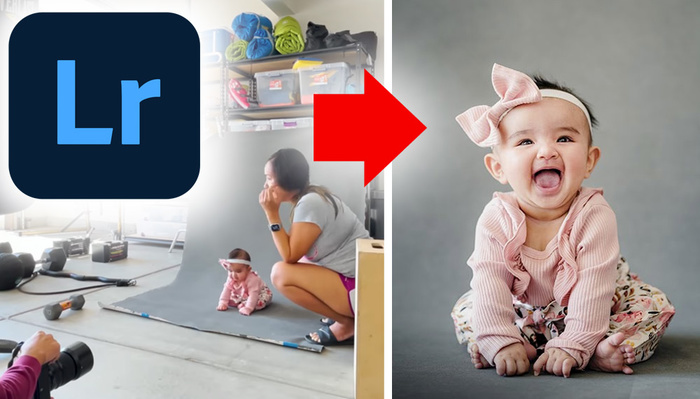
If you don’t have a ton of fancy lighting gear at home, this doesn’t mean that you can’t produce gorgeous studio-style images. This in-depth video tutorial shows you how to get great results using minimal equipment from the comfort of your own garage and dives deep into how they’re edited in Lightroom.




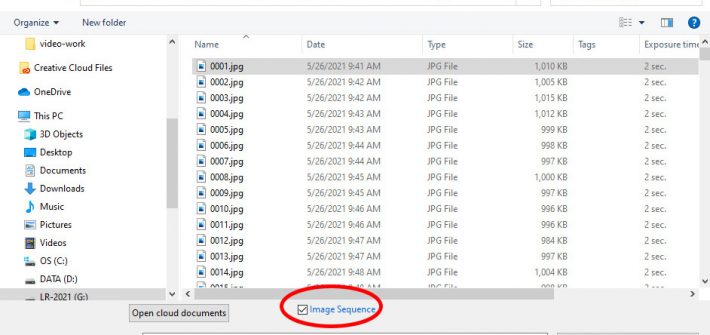
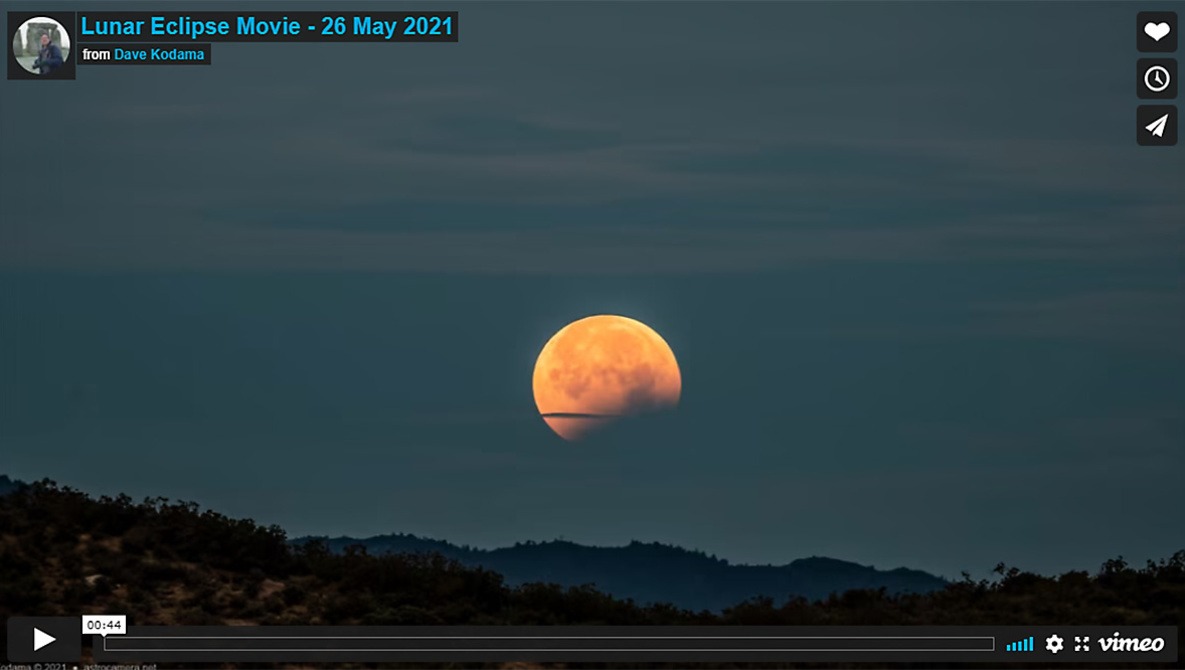
Lightroom and Photoshop are generally considered to be tools for standard (still) photography, but simple video tasks can be handled entirely within your photographer’s Lightroom and Photoshop subscription package (no need for Adobe Premiere Pro), and without any third-party add-on tools. In particular, the pair of programs handles time-lapse videos quite nicely.