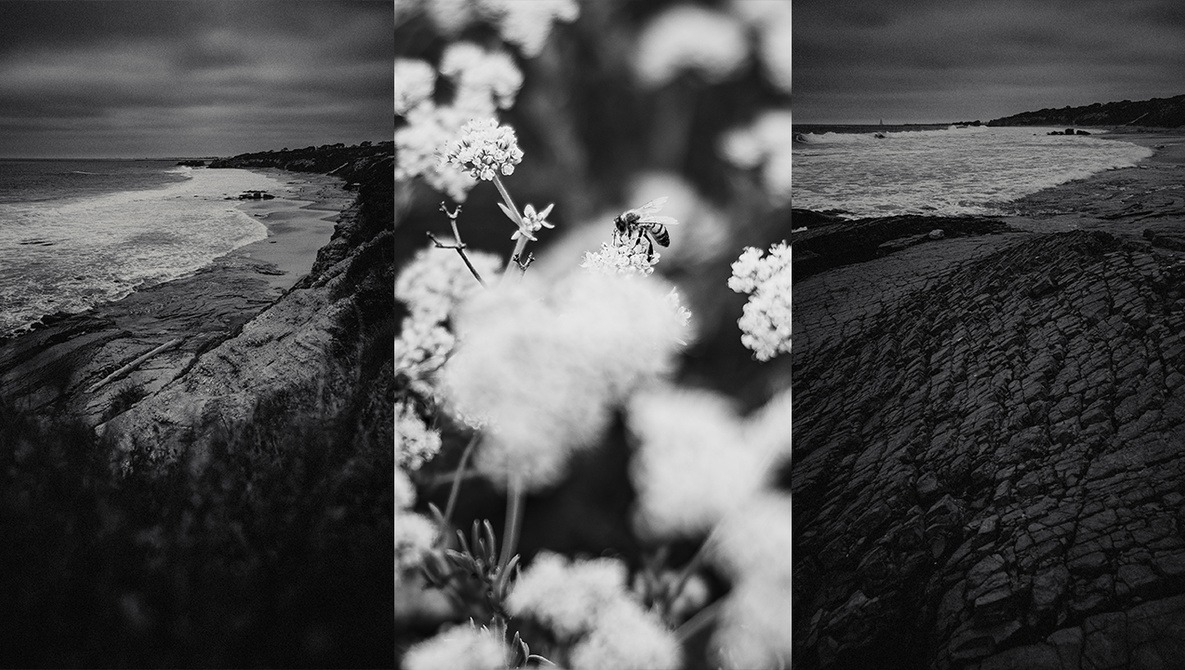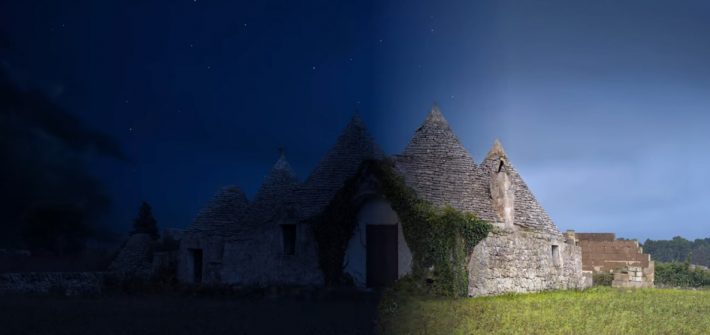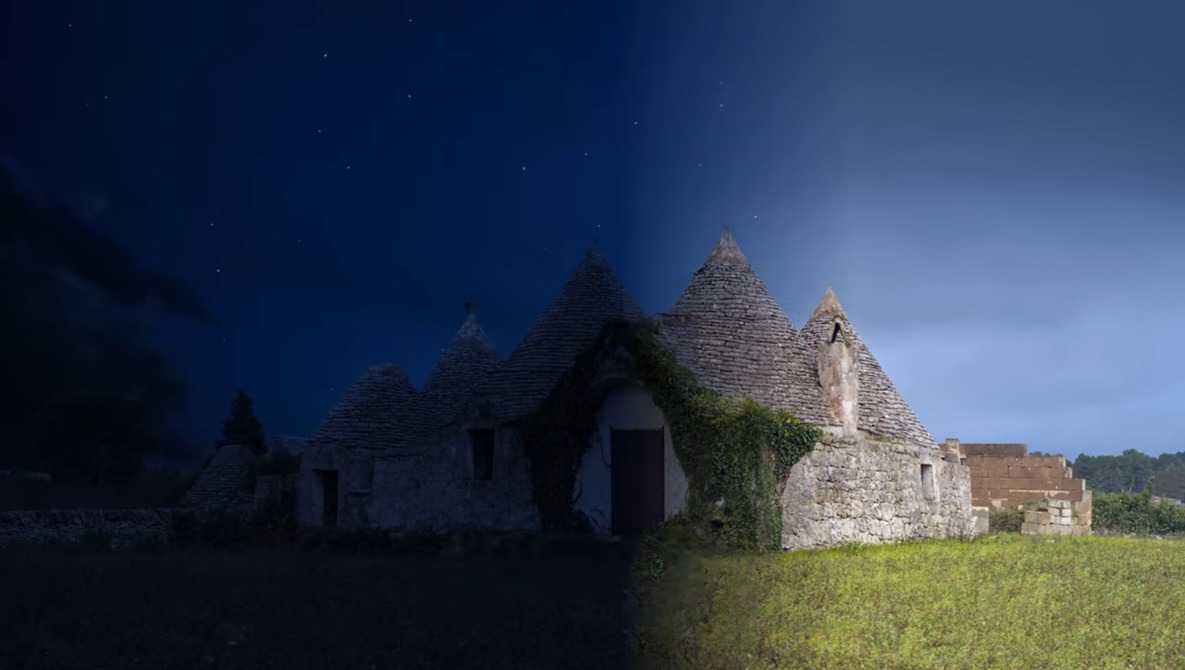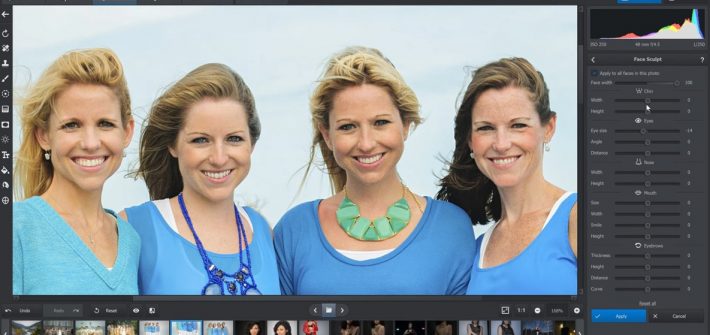
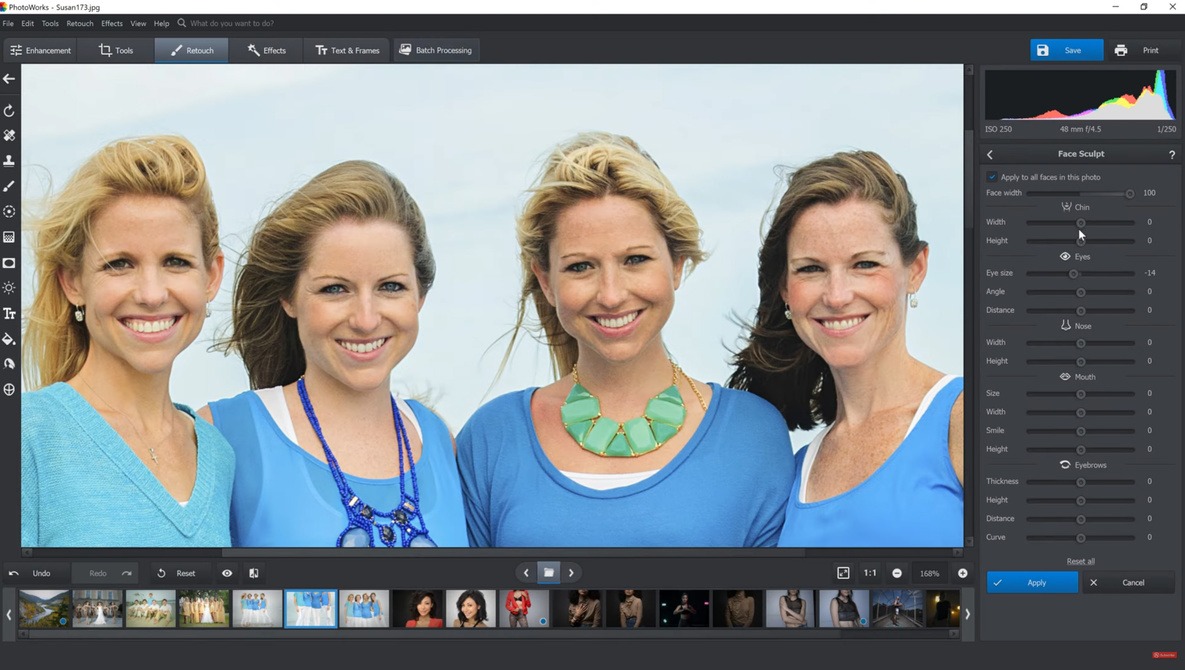
There are many ways to skin the proverbial cat when it comes to editing your images these days, many of which are excellent alternatives to the most famous software. So, Patrick had a look at PhotoWorks 10.0 to see how it holds up.




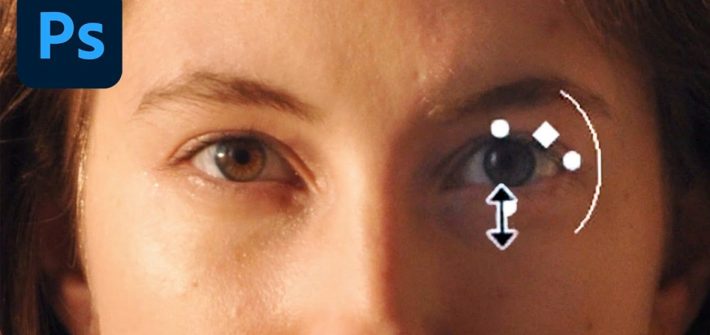
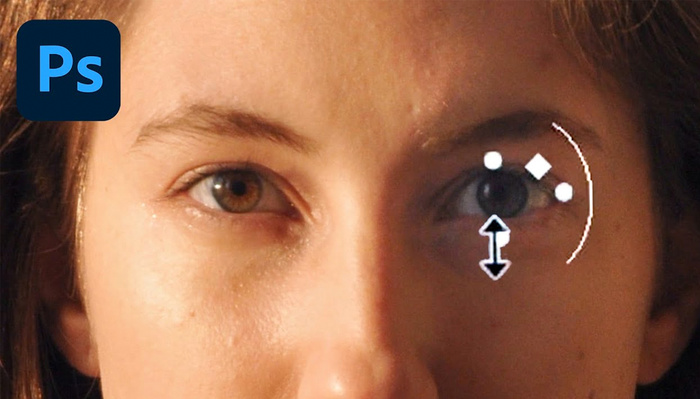
It used to be rather tricky trying to adjust certain facial features in Photoshop in a convincing manner, but Adobe recently added a lot of semi-automated features for doing so. This helpful video tutorial will walk you through the tools, showing you how to use them and giving you a variety of tips for getting the best possible results out of them.




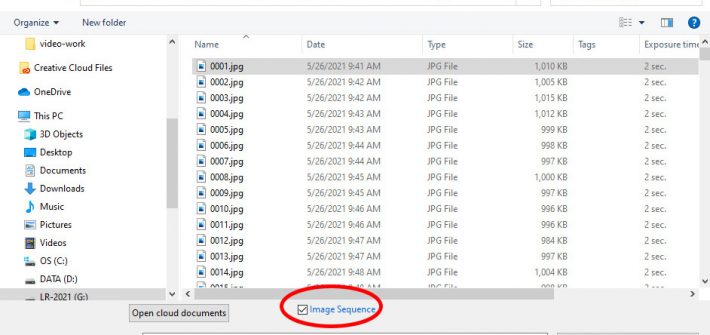
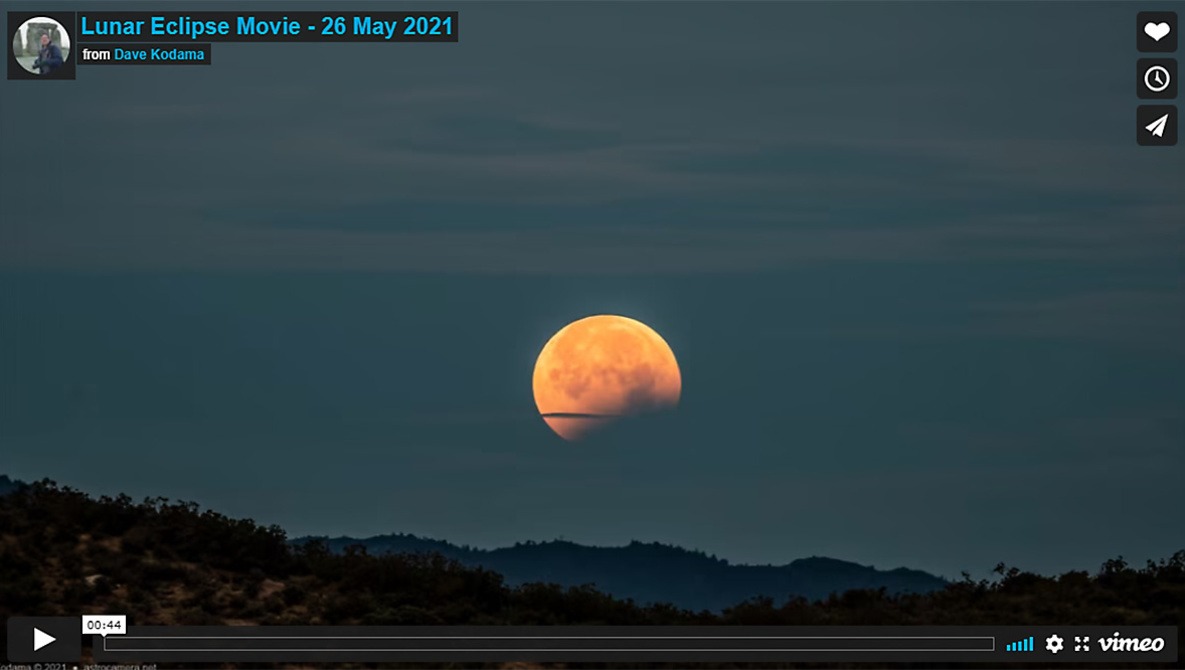
Lightroom and Photoshop are generally considered to be tools for standard (still) photography, but simple video tasks can be handled entirely within your photographer’s Lightroom and Photoshop subscription package (no need for Adobe Premiere Pro), and without any third-party add-on tools. In particular, the pair of programs handles time-lapse videos quite nicely.




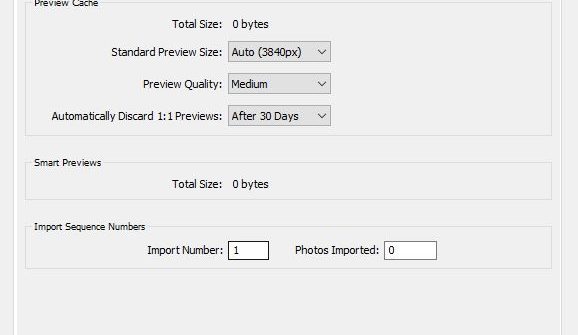

While Lightroom Classic doesn’t offer as many customization options as programs like Photoshop, there’s still a number of major improvements you can make to the default experience. You can speed up browsing, create a way smarter default set of adjustments, and even rebrand Lightroom with your logo, in just minutes.






Most of us with Creative Cloud subscriptions use them for access to apps like Lightroom, Photoshop, and Premiere Pro, but you are actually paying for more than you might realize when you select a plan. This helpful video tutorial will show you where to find thousands of free assets that may have been hiding from you in Lightroom and Photoshop.