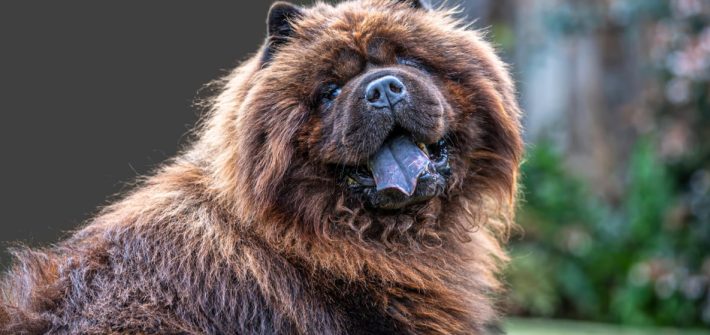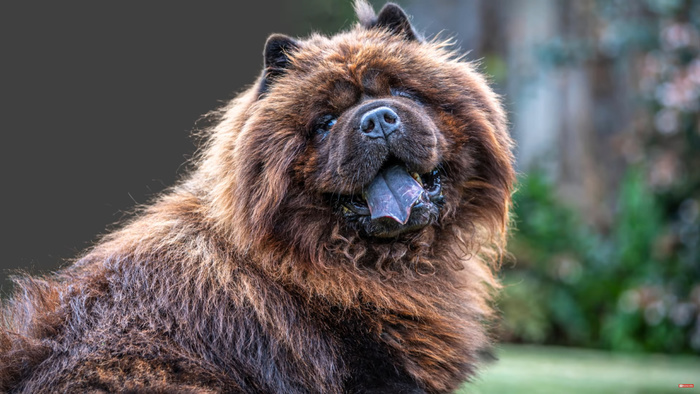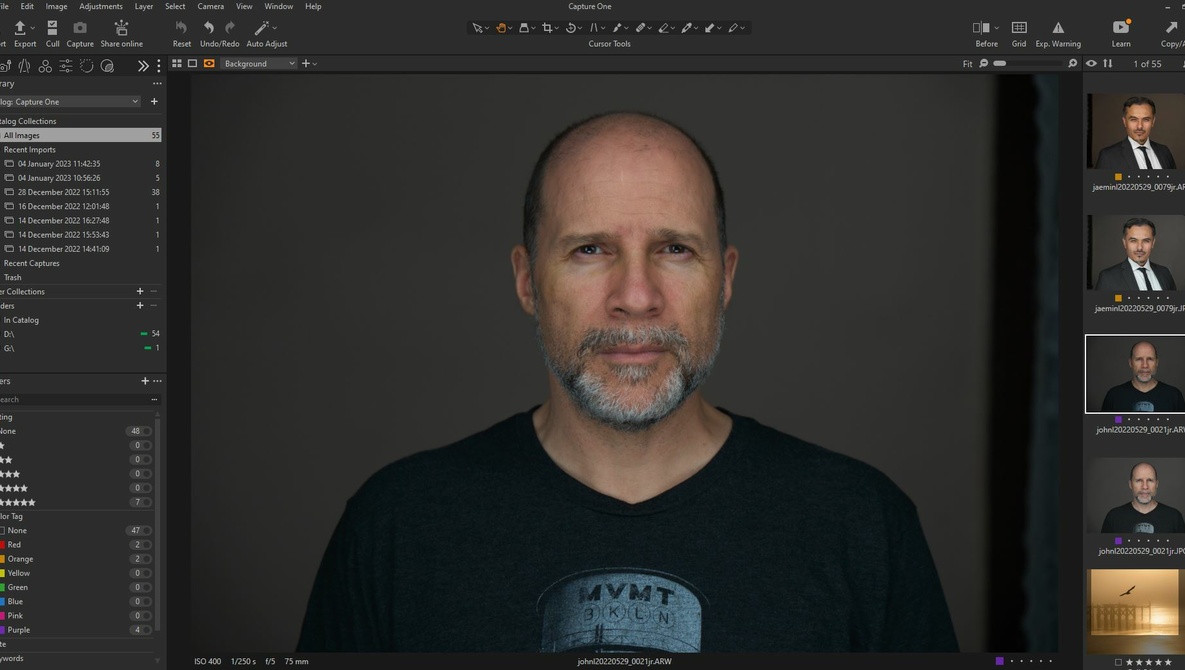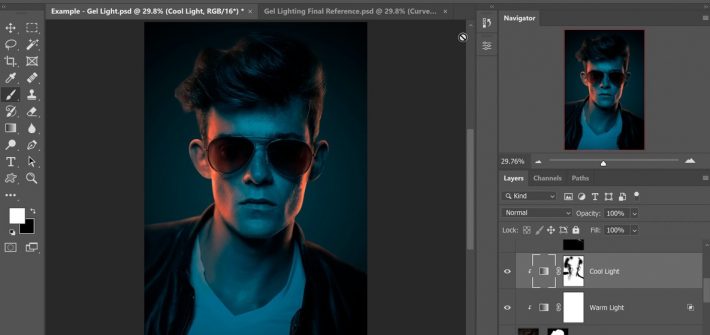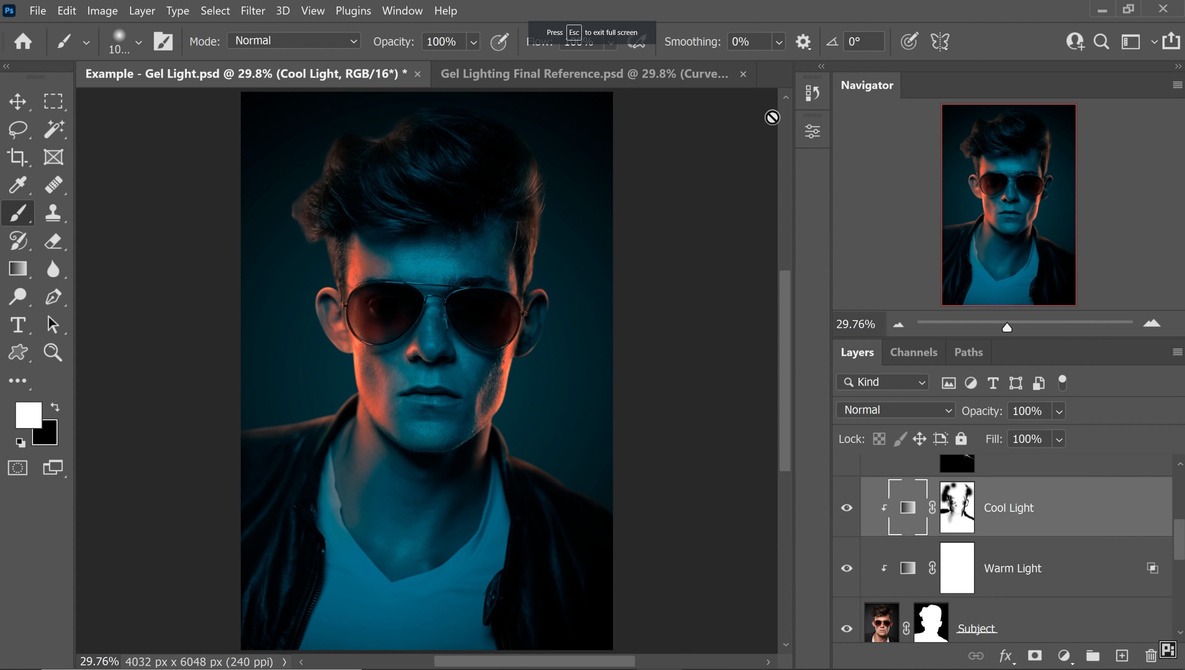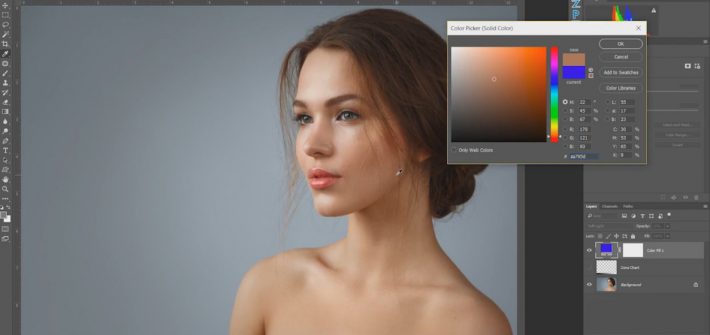
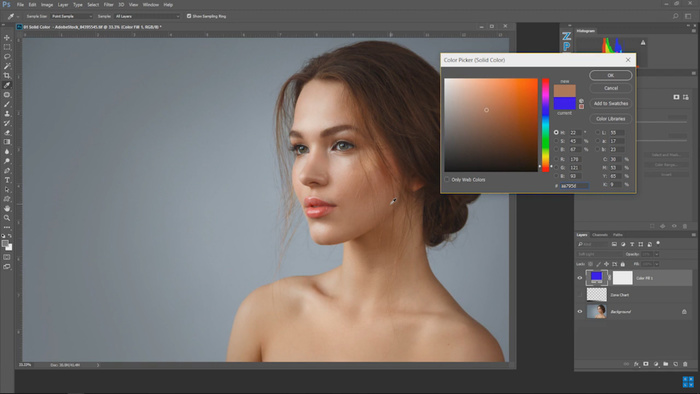
Few changes can as dramatically affect the feel of an image as those to color. One moment a straight-faced person is content in a golden glow, the next that same expression tells a different story when the tones are set to blue.






The Curves adjustment panel is probably one of Adobe Photoshop’s most frequently used tools, right alongside Levels. But did you know that there is a tried and tested way to quickly get perfectly color-corrected images every single time? Knowing this basic technique will save you hours of time and effort when learning how to color correct your images in Photoshop.