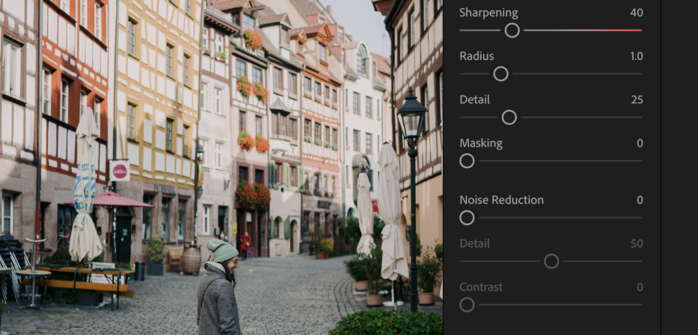
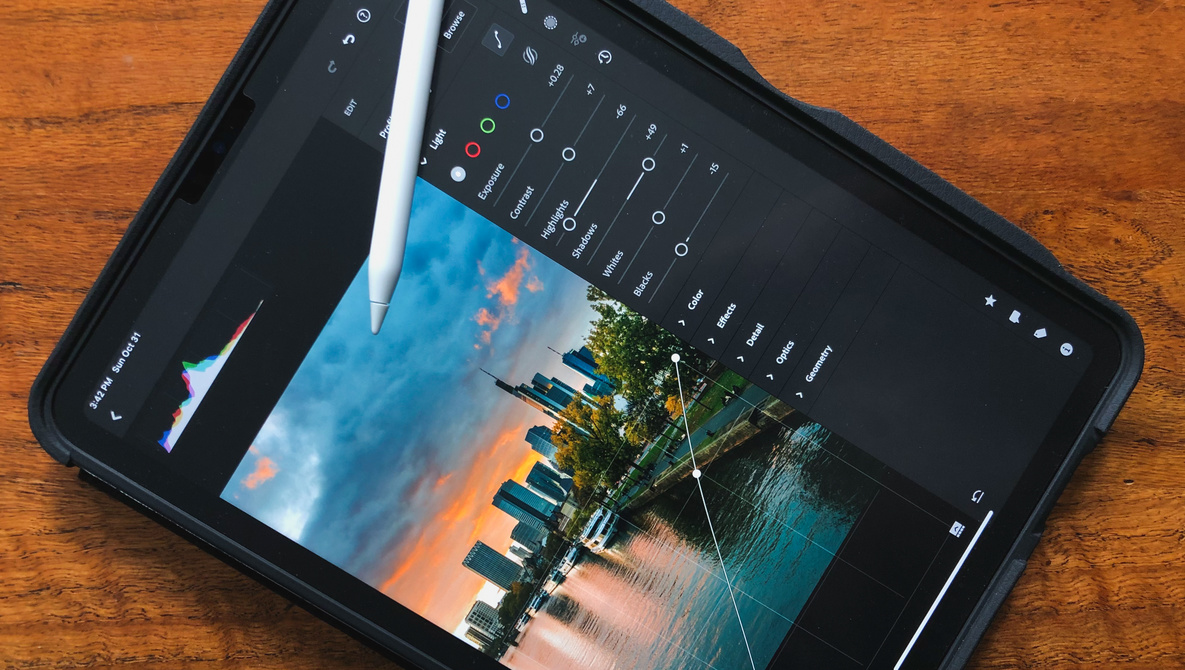
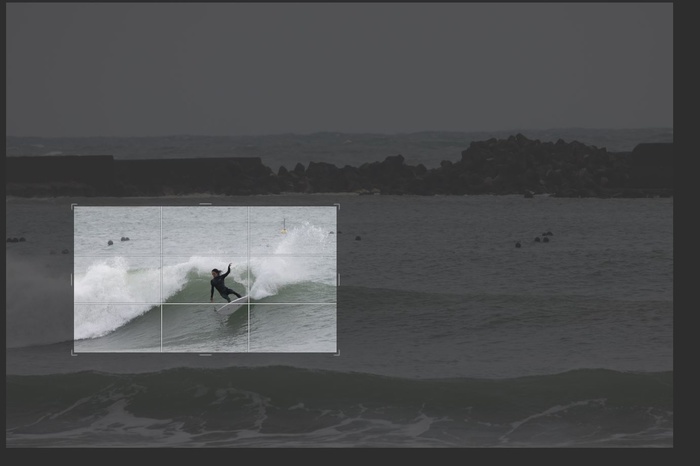
There are probably two main software options when it comes to the processing of Fuji raw files that most photographers tend to use, Adobe Lightroom and Capture One. The choice, however, depends on the user’s personal preferences, as both have their strengths and weaknesses.
Adobe
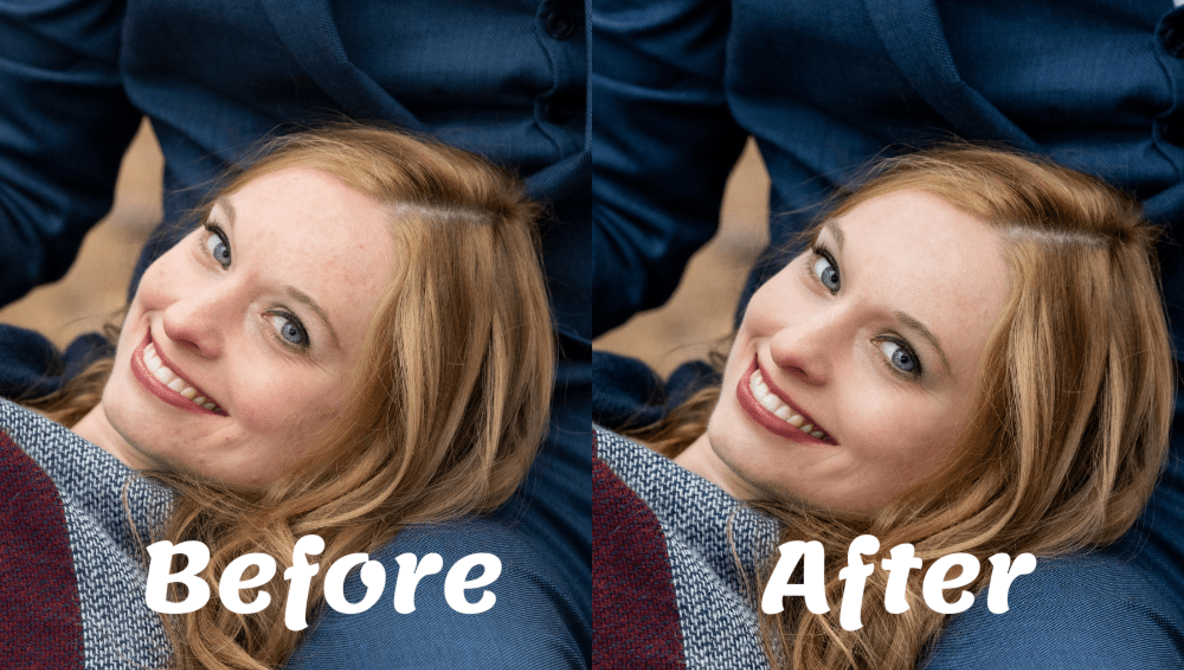
Automatically Retouch Portraits in Minutes: Three Programs Compared
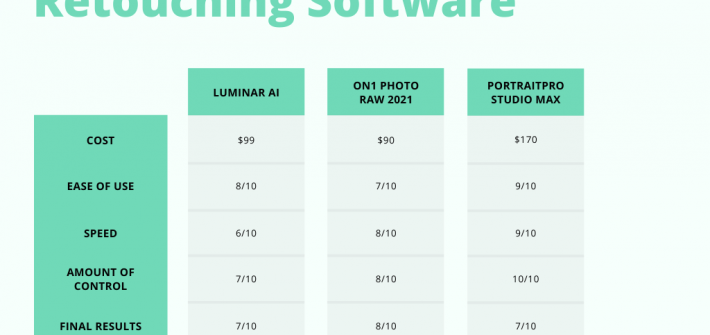
How many hours a day are you spending retouching portraits? I’d guess too much. Today, I’ll be comparing three different pieces of software that automatically retouch portraits: Luminar AI, On1 Photo RAW 2021, and PortraitPro Studio Max.
How To Make Your Videos Pop in the Edit
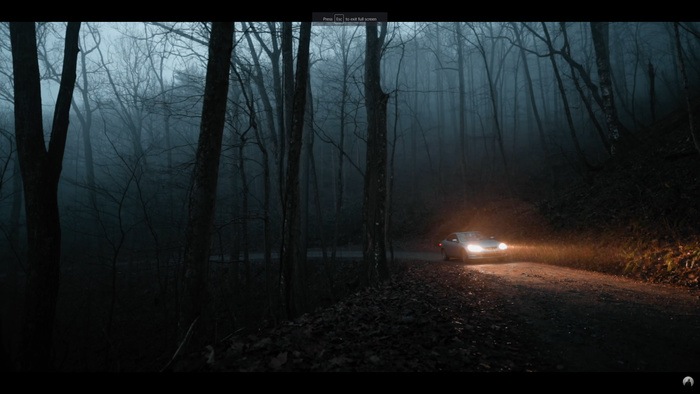
Videography has become more demanding than ever before in terms of expected quality. While much of this difficulty is found behind the camera, on location, your edit makes up a large part of it too. In this video, find out how one videographer makes his videos pop in the post-production phase.
Why You Should Always Use Adobe RGB
Color spaces are perhaps not immediately a primary concern of beginner photographers. However, they are in fact crucial to how you see and perceive the images you make. There are two main color spaces that are used in digital photography: sRGB and Adobe RGB. Your camera is probably set to the more inferior, sRGB profile. In this article, we will discuss why you should switch to Adobe RGB as a professional photographer.