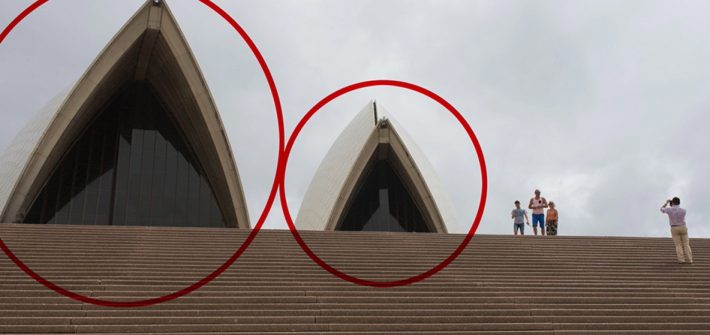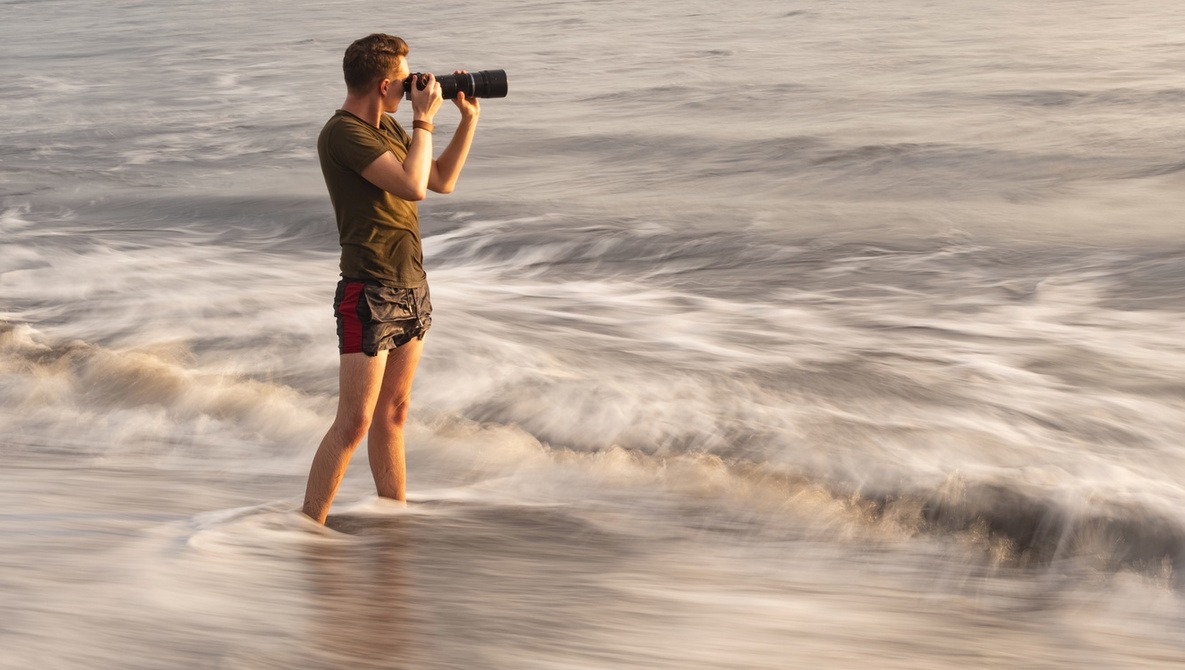



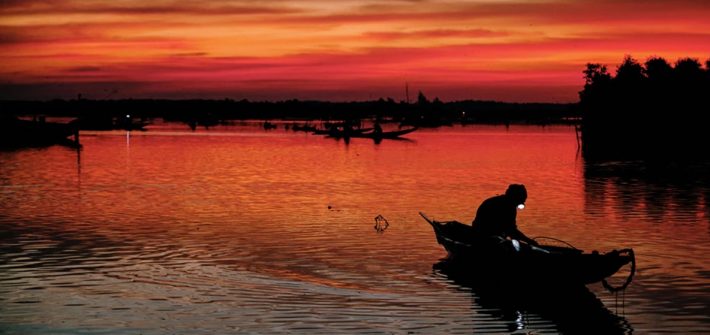
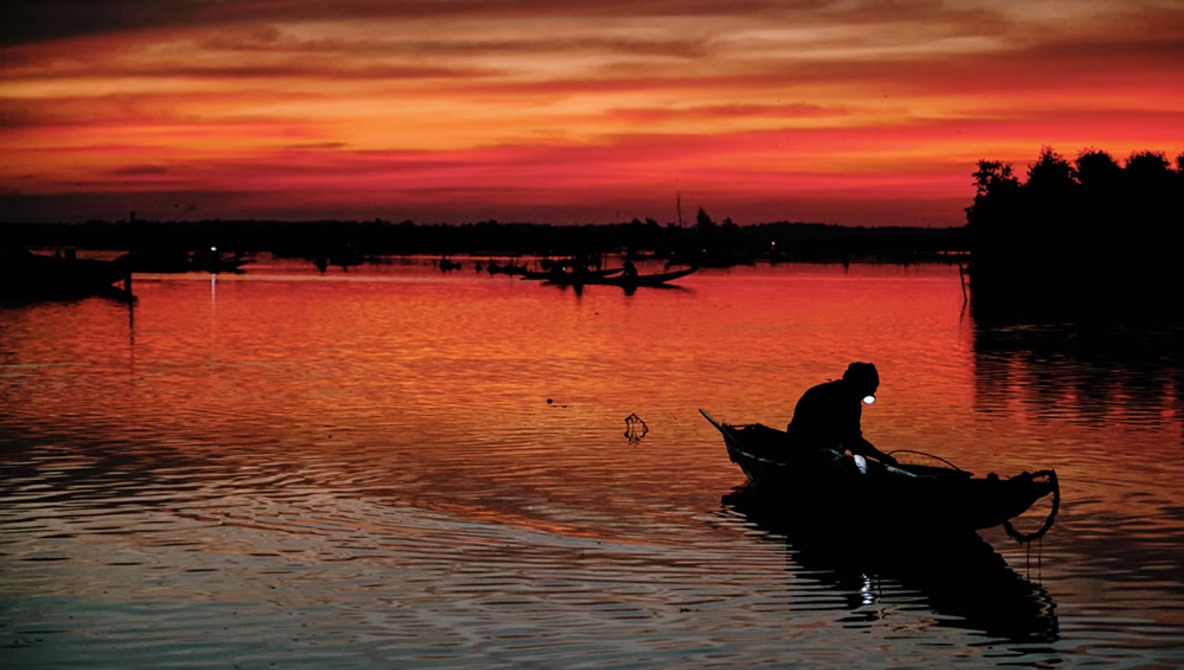
Along with shutter speed and aperture, ISO is one of the three fundamental parameters for determining the correct exposure of your images. ISO is a bit different from aperture and shutter speed, however, as you almost never use it for creative purposes like the other two. So, how do you manage it properly? This helpful video tutorial will show you what you need to know to choose the right ISO for every photo.
How to Use Lightroom and Photoshop to Sculpt the Light in a Photo
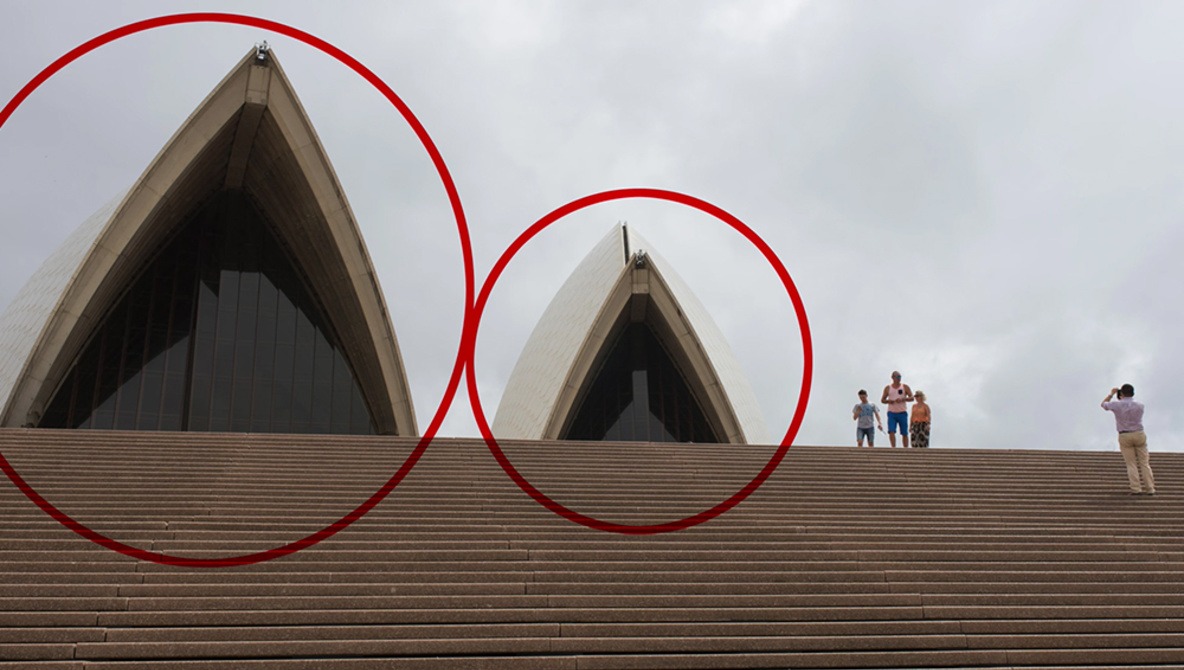
Flat light in an otherwise interesting photo can be a frustrating thing, but with the dynamic range and post-processing latitude of a lot of modern sensors, you can do quite a lot to reshape an image in post and turn it into a compelling photo. This fantastic video tutorial will tell you how to take a photo that suffers from flat light but that has potential and use Lightroom and Photoshop to turn it into something great.
A Powerful Way to Change Focus With Photoshop Filters and AI
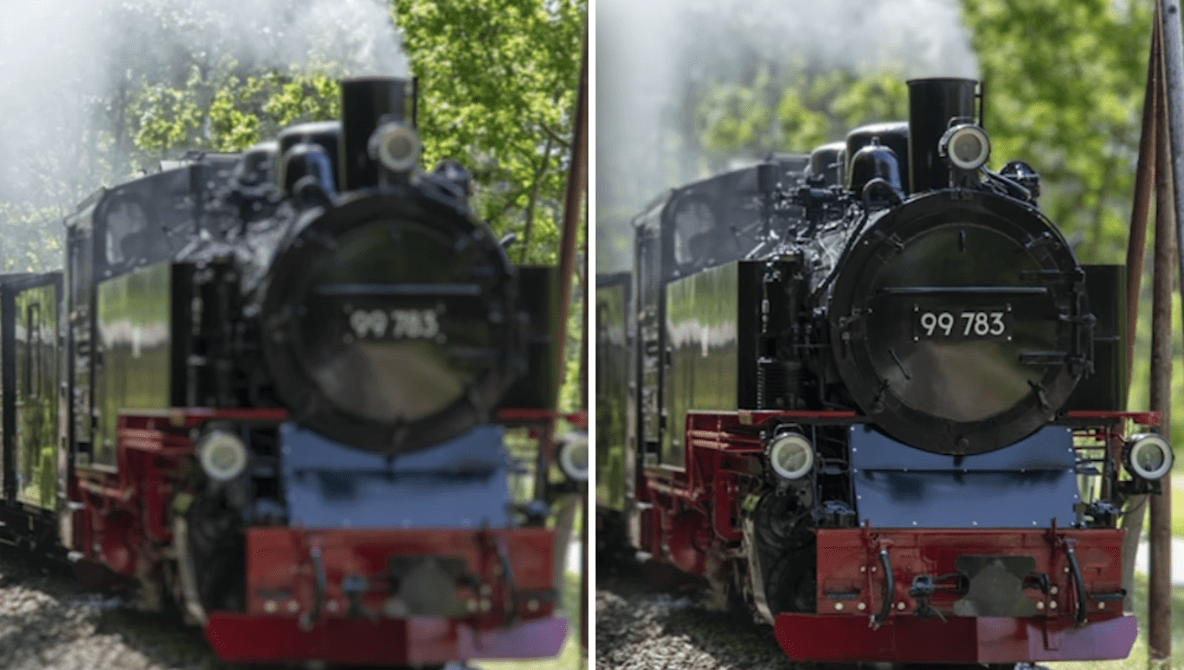
Have you ever had to shoot a photograph at f/11 while wishing you were shooting f/1.8? If you’ve ever wanted to change the depth of field of a photograph, you know that creating a depth map isn’t the easiest thing to do. Instead of struggling to create the perfect depth map in Adobe Photoshop, using selections and brushes, this video guides you down a simpler path.
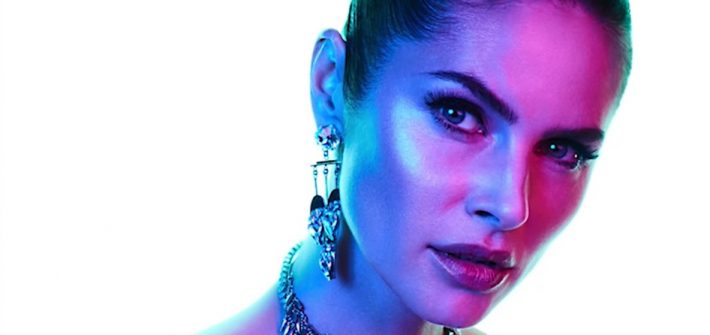
8 Common Mistakes Beginner Photographers Make
There are a lot of different facets you have to learn and master when you are starting out as a photographer, and as such, things can go wrong due to a variety of reasons. If you are new to photography and looking to improve, check out this excellent video tutorial that details eight common mistakes beginner photographers make and how to fix them or avoid them entirely in the first place.
How to Create a High Key Background and Rim Lights Using a Softbox
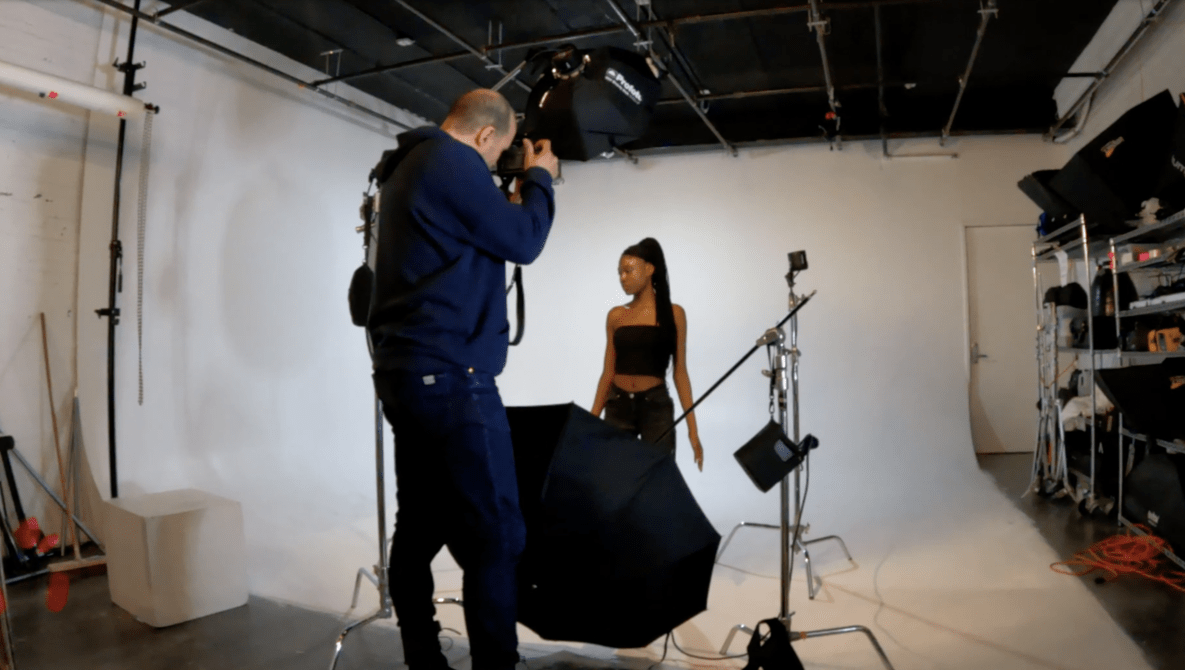
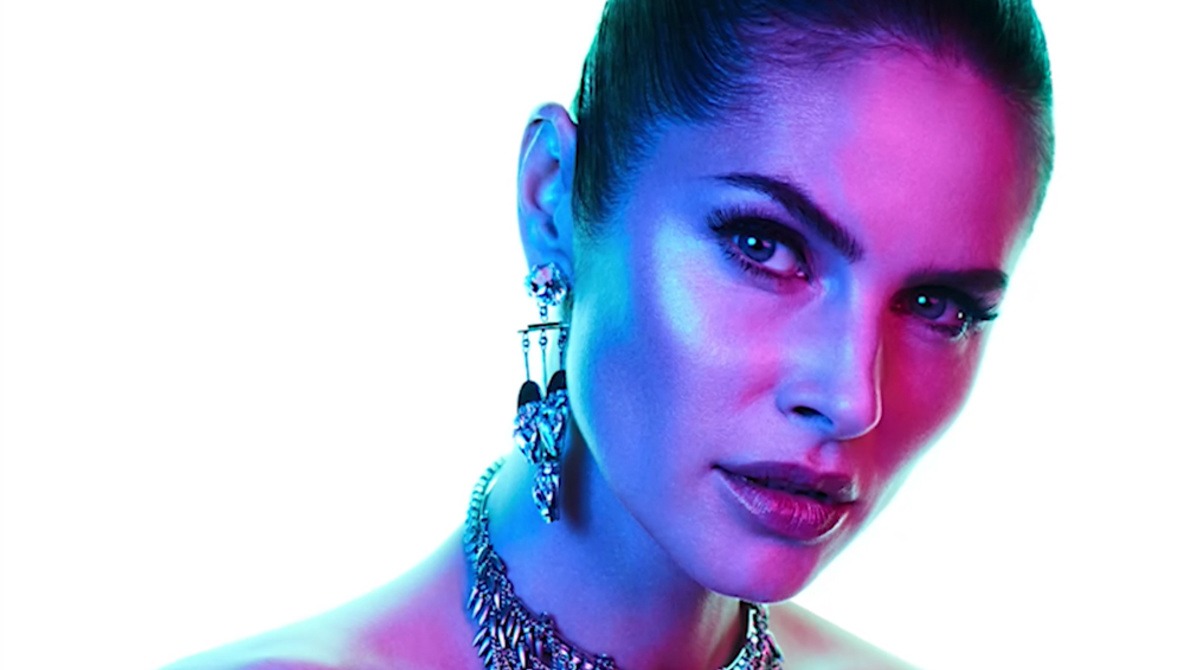
Creating a high key background and adding ring lights is a fantastic way to add a really professional touch to your images, but doing so can take three or four extra lights on top of whatever you are already using to light your subject, often making it particularly cumbersome. What if you could add the high key background and rim lights using just a single light? This fantastic video tutorial will show you how to do it.