




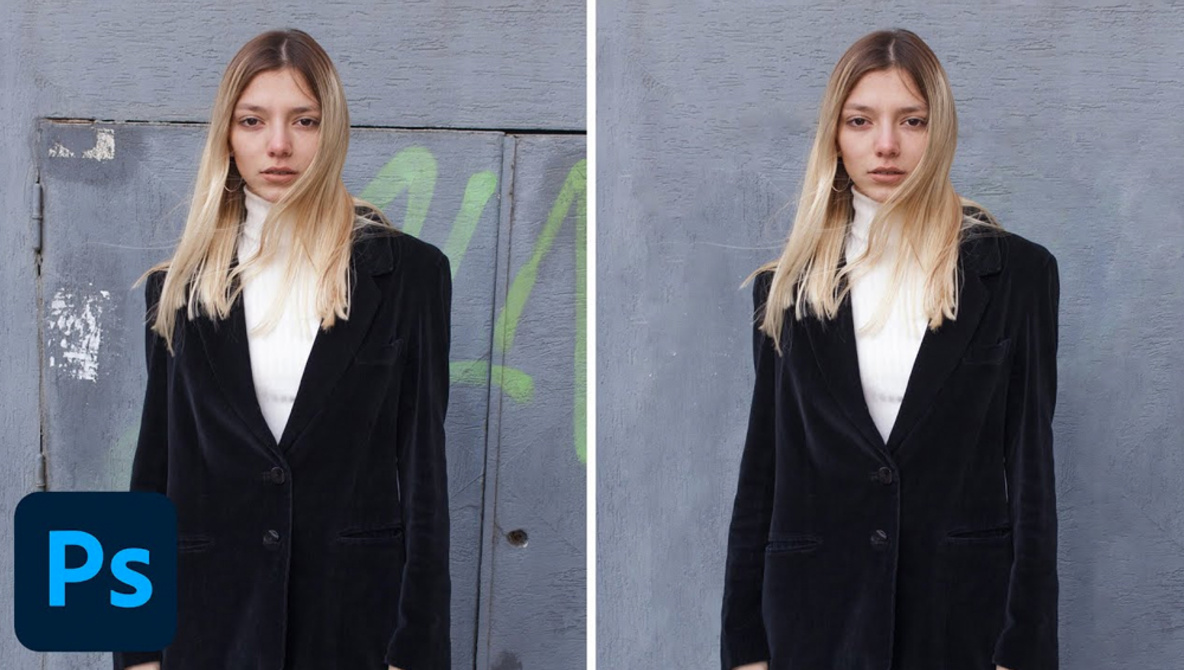
How to Use Content-Aware Fill to Fix an Image in Photoshop

Content-Aware fill was one of the most useful advancements in the history of Photoshop, allowing you to quickly and effectively clean up distractions in images without having to do loads of tricky work to make the result convincing. While it does not work for every situation, its usefulness stretches farther than you might think. This excellent video tutorial will show you how to use Content-Aware tool to efficiently and convincingly remove distractions in images.


[ Read More ]

Looking for a Creative Community? Try Canon’s Incubator

A strong community and invested mentors are crucial ingredients for sustainable growth and success. I recently had the chance to sit down and talk with two Canon Canada FUTURES alum, Eli Meadow Ramraj and Gessy Robin Shumbusho, about the importance of community in their careers. The deadline for Canon Canada’s FUTURES Year Two incubator program is fast approaching. If you need that boost you can only get from a committed mentor and supportive community, don’t hesitate, don’t be nervous, apply.

[ Read More ]

How to Create Eye-Catching Portraits With Just One Light and an Umbrella

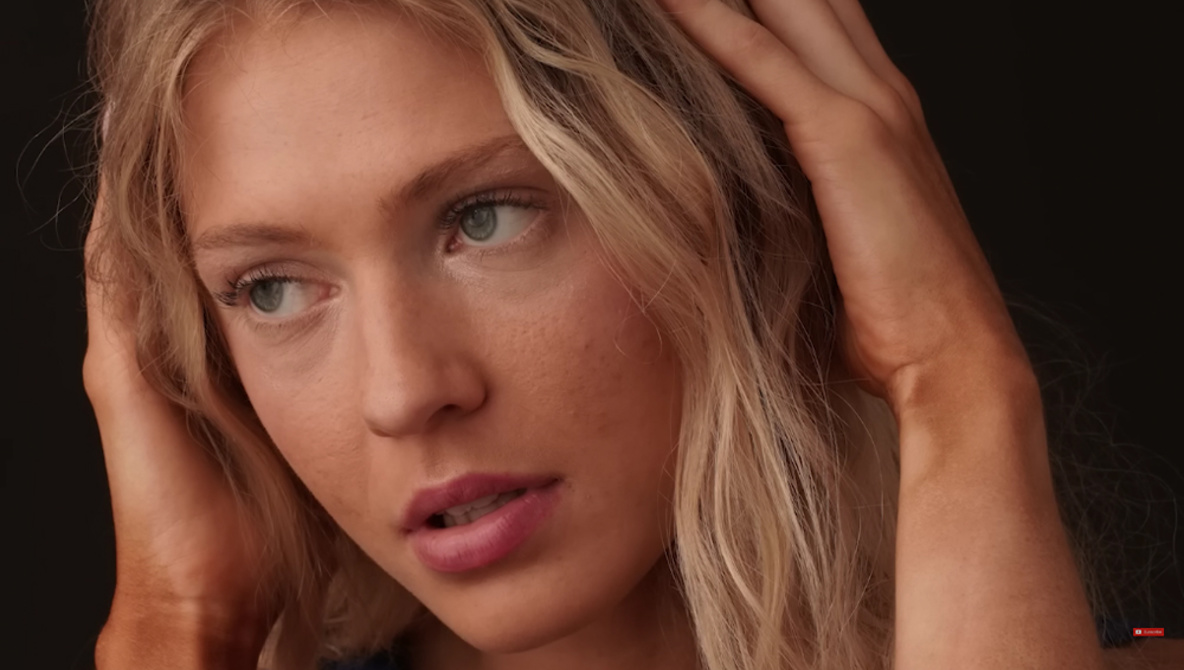
There are a ton of different modifiers available for working with artificial lighting, and it can be a bit overwhelming (and expensive) to pick one when you are just starting out. Umbrellas are some of the cheapest modifiers out there, and as such, they are a fantastic tool for learning how to work with artificial light, and they can do a lot more than they often get credit for. This excellent video tutorial will show you how to create compelling portraits using just one light and an umbrella.

[ Read More ]

Everything You Need to Know About Kicker Lights for Portrait Photography

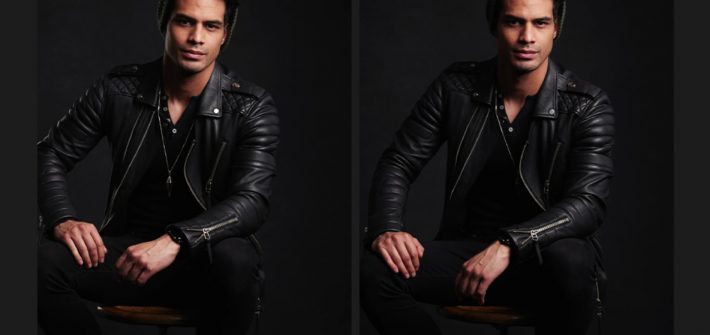
While you can absolutely create professional-level portraits with a single light, using multiple lights will allow you create more advanced and precise setups that simply are not possible with just one source. One of the most important secondary lights a portrait photographer can use is the kicker, and this great video tutorial will show you both what they are and how they are used to create more effective images.

[ Read More ]